
Both do tickets, assets, and workflows. The difference is the work they ask of your team: schoolOS builds its own knowledge, parents can submit tickets directly, and workflows are created by describing them.
Before the call, we crawl your district's public website, so the demo runs on your district's real questions.
 Olympia School District
 Lower Moreland Township SD
 Ladue School District
 Massac Unit SD #1Olympia School DistrictLower Moreland Township SDLadue School DistrictMassac Unit SD #1
Feature lists look similar: both have tickets, assets, and workflows. The paradigm is different. Incident IQ is a system your team configures and maintains. schoolOS maintains itself.
Based on publicly available information, September 2026. Spot something out of date? Tell us and we will correct it.
Families ask questions and file requests directly. No staff go-between, no portal account to manage.
Nobody writes and maintains articles. schoolOS builds its knowledge from your website and systems, and our curation process keeps it accurate.
Describe what should happen and the AI Co-Pilot builds the workflow. Change it the same way. No rules to configure and retest.
Help desk AI classifies and routes tickets. schoolAgent answers the request and closes the loop before a person touches it.
schoolOS connects to your SIS, MDM, and current help desk on day one. Nothing gets turned off.
It starts answering from your district's public website within about a week.
Move ticketing and assets to schoolOS when the value is proven, or don't.
One line item. No tiers, no add-ons, no implementation charges.
"schoolOS is the first platform I've seen that actually addresses how operations work in practice."
That's up to you. Layer schoolAgent on top of Incident IQ and cut about 30% of your team's work in under 30 days. Or replace the entire support and service stack your district runs on iiQ today. You set the timeline.
Both handle tickets, assets, and workflows. The difference is who does the work: Incident IQ is a system your team configures and maintains, with rules, articles, and forms. schoolOS maintains itself: it builds knowledge from your district, and workflows are created by describing them.
No. schoolOS builds a knowledge layer from your district's website and systems, and our curation process keeps it accurate as your district changes. Your team reviews; it doesn't write.
Yes. Parents and students can ask questions and file requests directly, in the channels they already use. With staff-centered help desks, family requests reach IT through a staff member.
Describe what should happen in plain language and the AI Co-Pilot builds the workflow. Changing one works the same way. There are no rules to configure per team and campus, and no retesting when something changes.
About a week. schoolAgent starts by crawling your district's public website. Integrations with your SIS, MDM, and help desk follow. There is no implementation project and no implementation charge.
Per-student pricing with no implementation charges. One line item covers the platform. Book a demo and we will give you your district's exact number.
schoolAgent
We crawl your district's public website before the call. 30 minutes.
Book a demo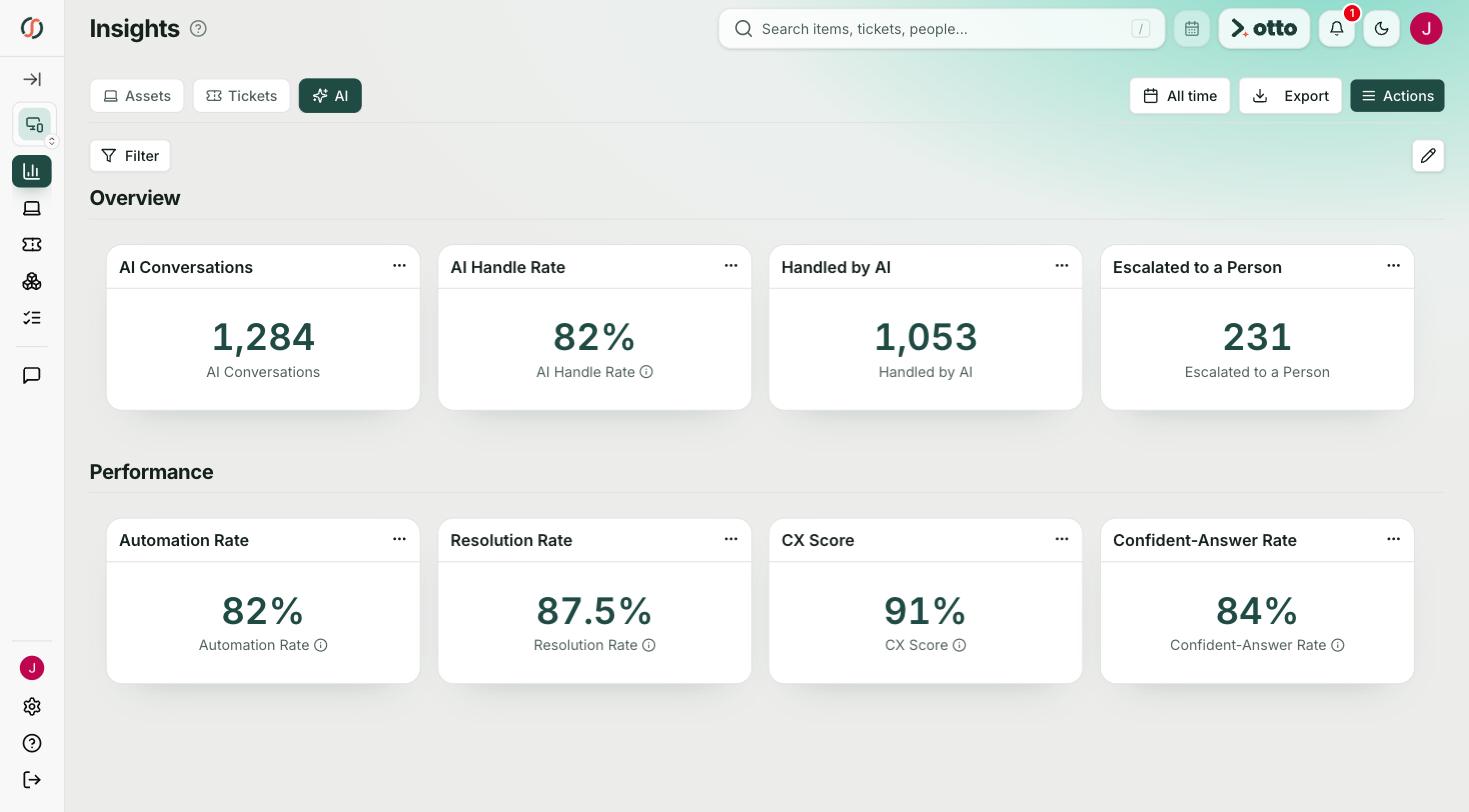
Other comparisons: schoolOS vs Onflo (K12 Insight), schoolOS vs One to One Plus, and schoolOS vs generic ITSM.

.png)