ServiceNow, Freshservice, and Zendesk were built for enterprise IT: platforms your team configures and maintains. schoolOS maintains itself, and parents can use it.
Before the call, we crawl your district's public website, so the demo runs on your district's real questions.
 Olympia School District
 Lower Moreland Township SD
 Ladue School District
 Massac Unit SD #1Olympia School DistrictLower Moreland Township SDLadue School DistrictMassac Unit SD #1
Enterprise ITSM is powerful if you have a platform team and a services budget. The paradigm is different: schoolOS maintains its own knowledge, builds workflows from plain language, and treats parents as users, with no admin required.
"Generic ITSM" here means enterprise service desks such as ServiceNow, Freshservice, and Zendesk. Based on publicly available information, September 2026.
Enterprise portals assume employees on a directory. schoolAgent gives parents and students the same front door as staff, with no seat licenses.
Knowledge maintains itself through our curation process, and workflows are built by describing them to the AI Co-Pilot, not by consultants.
schoolOS ships knowing what a 1:1 program, a testing window, and a summer refresh are, and prices per student, not per agent.
schoolOS connects to your SIS, MDM, and current help desk on day one. Nothing gets turned off.
It starts answering from your district's public website within about a week.
Move ticketing and assets to schoolOS when the value is proven, or don't.
One line item. No tiers, no add-ons, no implementation charges.
"schoolOS is the first platform I've seen that actually addresses how operations work in practice."
schoolOS is built for K-12: it answers staff and families through one front door, resolves routine requests before they become tickets, and connects to the SIS, MDM, and 1:1 device programs districts already run.
You can, and some large districts do. It takes a configuration project, connectors for your SIS and MDM, and someone to administer the platform afterward. schoolOS ships with that district context built in.
No. schoolOS builds a knowledge layer from your district's website and systems, and our curation process keeps it accurate as your district changes. Your team reviews; it doesn't write.
Describe what should happen in plain language and the AI Co-Pilot builds the workflow. Changing one works the same way. There is no platform configuration to build, retest, and redeploy.
Per-agent pricing charges for every staff member who touches the system. schoolOS prices per student with no implementation charges: one predictable number.
About a week. schoolAgent starts by crawling your district's public website. Integrations with your SIS, MDM, and help desk follow. There is no implementation project and no implementation charge.
No. schoolOS works alongside your current stack, including an existing ITSM tool. Districts often start with schoolAgent deflecting routine requests in front of the service desk they already own.
schoolAgent
We crawl your district's public website before the call. 30 minutes.
Book a demo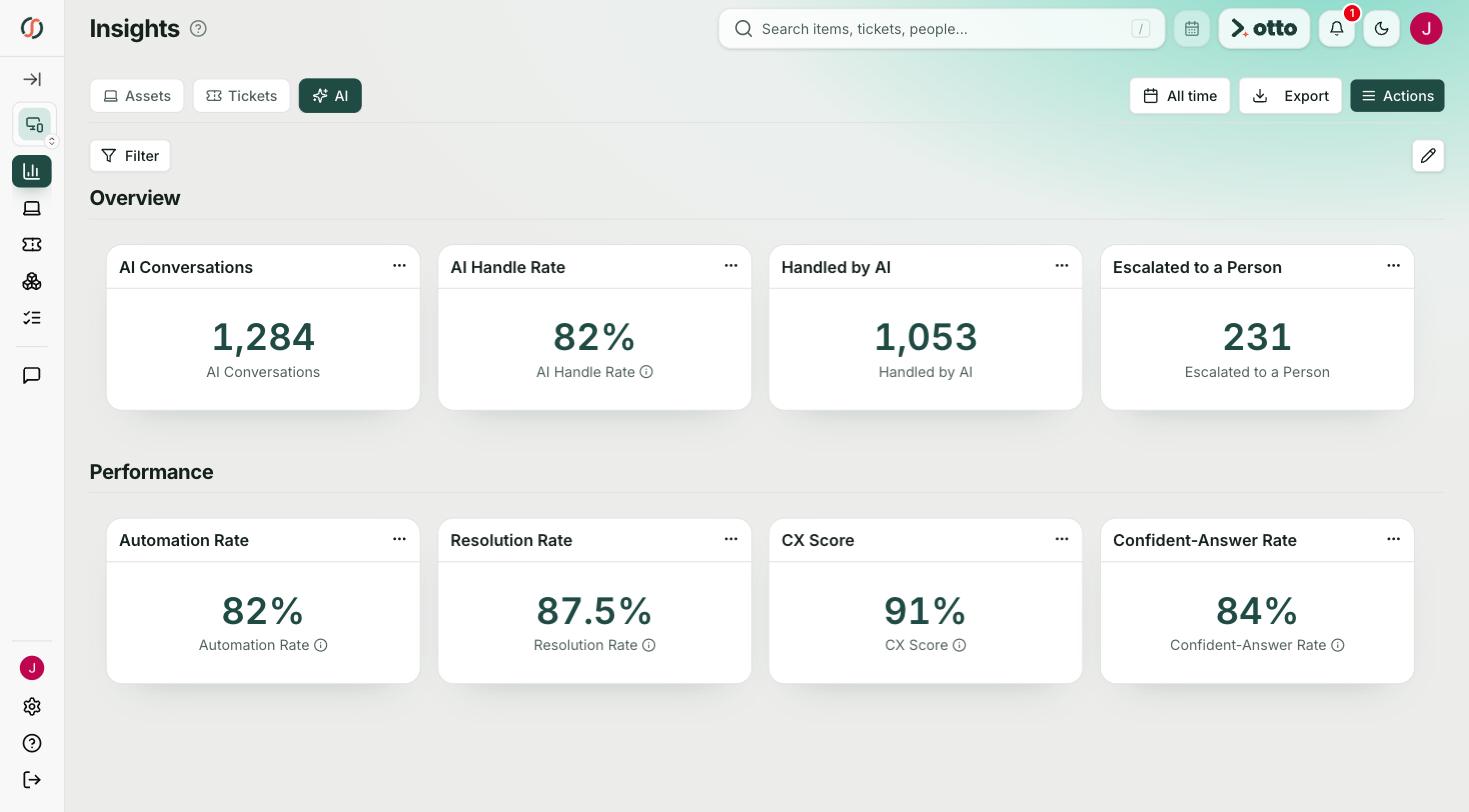
Other comparisons: schoolOS vs Incident IQ, schoolOS vs Onflo (K12 Insight), and schoolOS vs One to One Plus.

.png)