
schoolAssets brings devices, warranties, vendors, and lifecycle history into one command center, so your team can centralize control, save money, and make smarter decisions about the fleet.
Get startedTrack Chromebooks, laptops, and other district technology, including who they’re assigned to, in one centralized inventory.
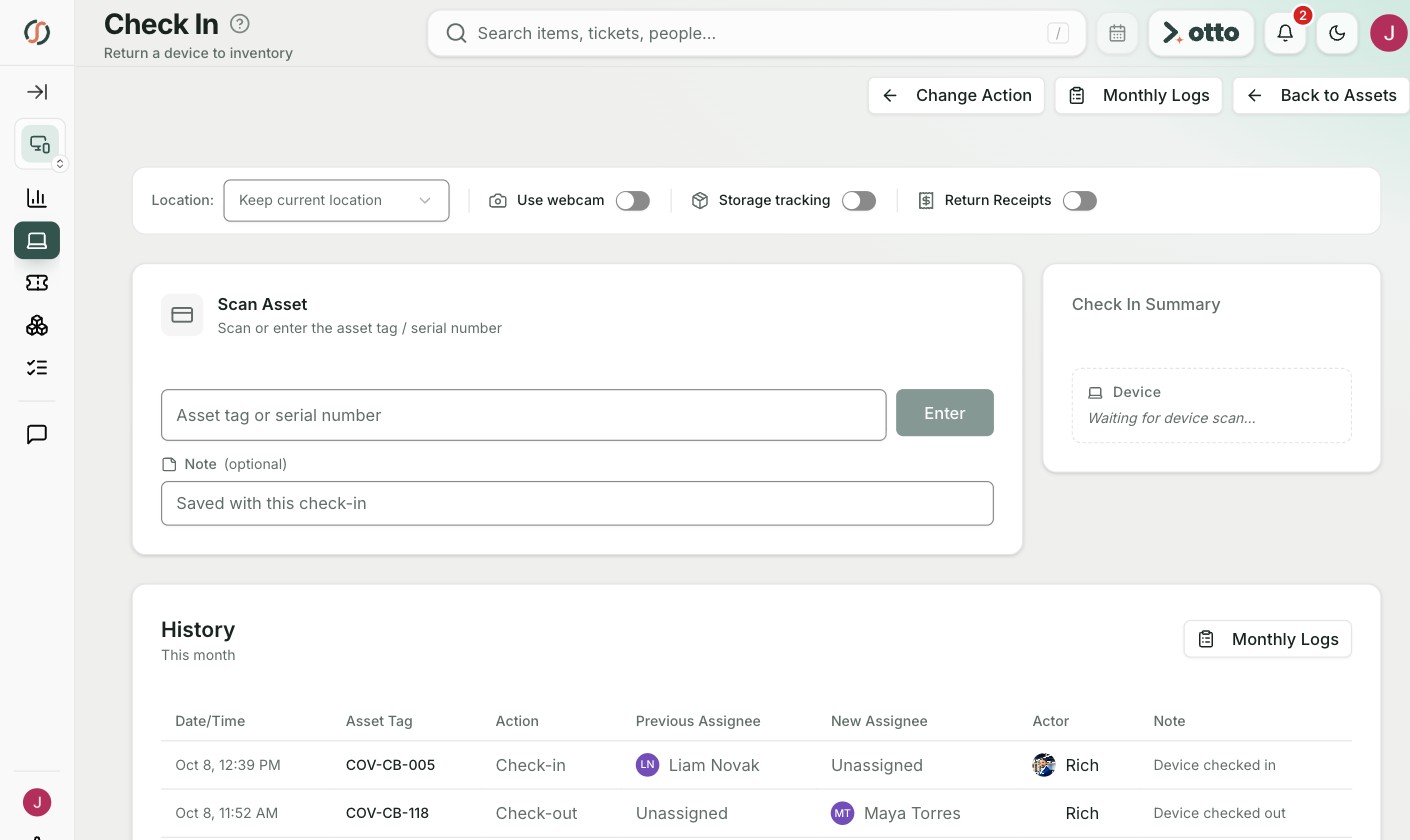
End-of-year collection shouldn't take weeks of detective work. Check devices in and out as they're issued or returned, so large deployments stay organized.
Find purchase details and asset history instantly.
See which devices are aging, expiring, or ready for refresh.
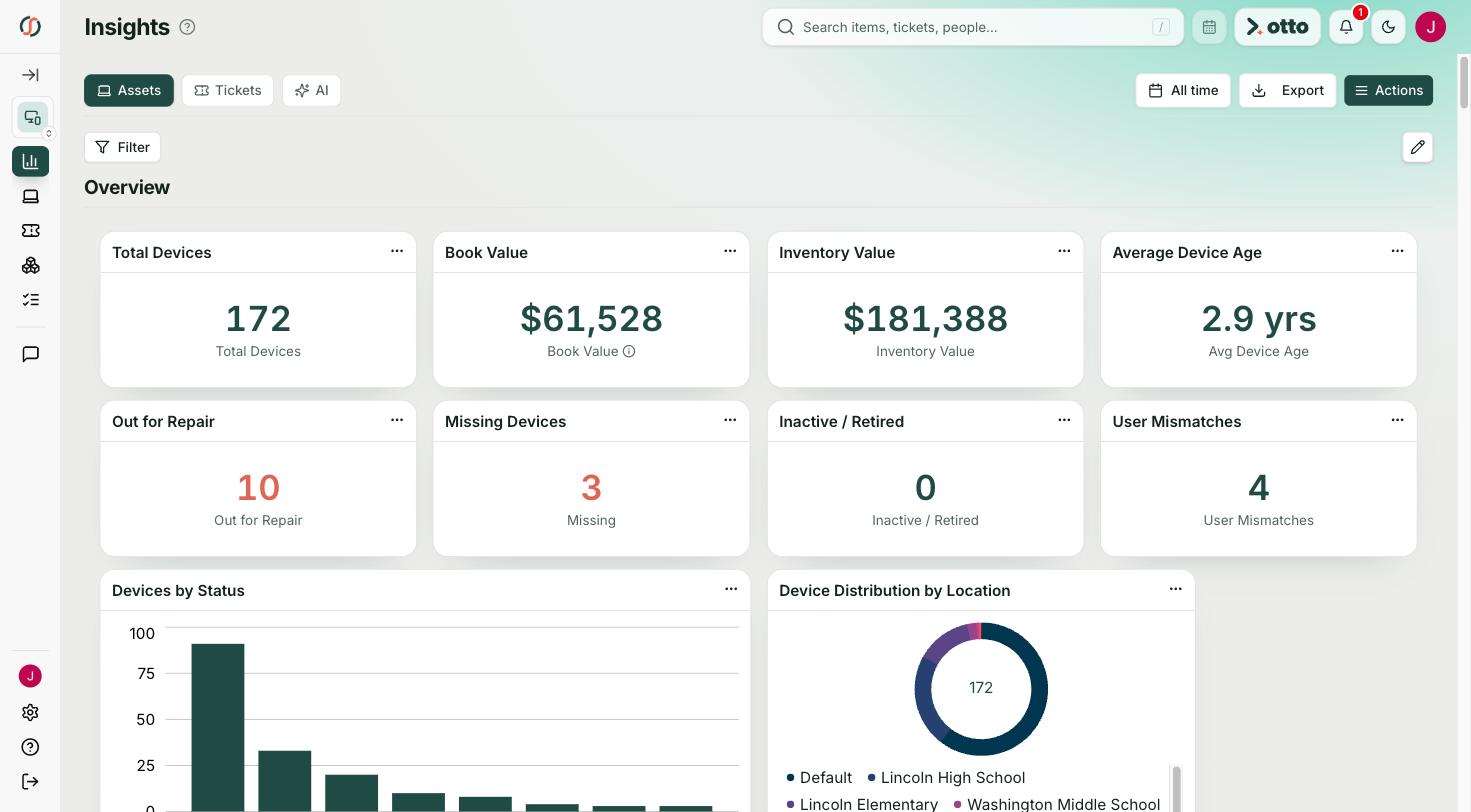

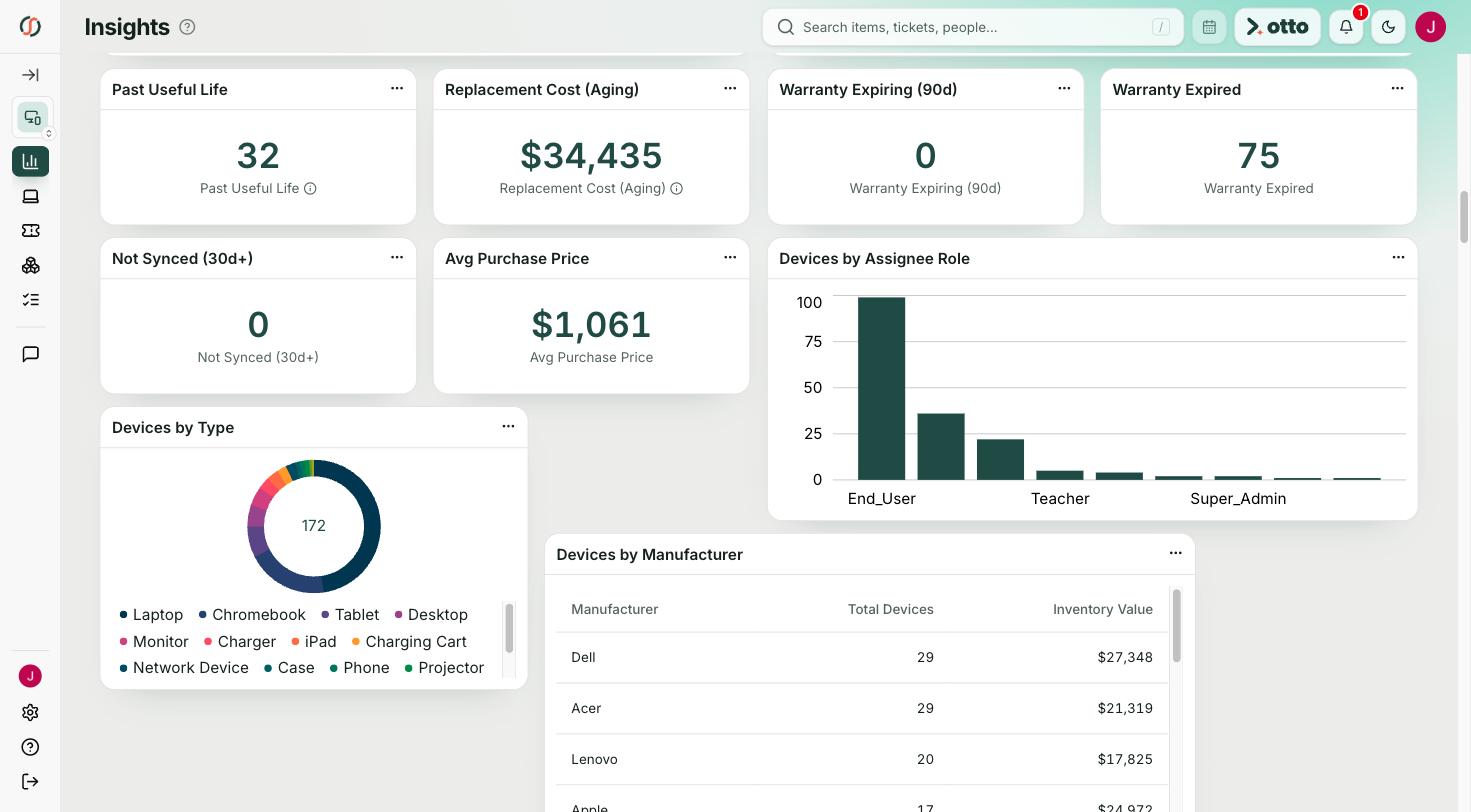
Tell otto, the built-in AI Co-Pilot, what you need, like the devices in repair, past their useful life, or due for replacement. It pulls the list from your live inventory in seconds.
Meet otto →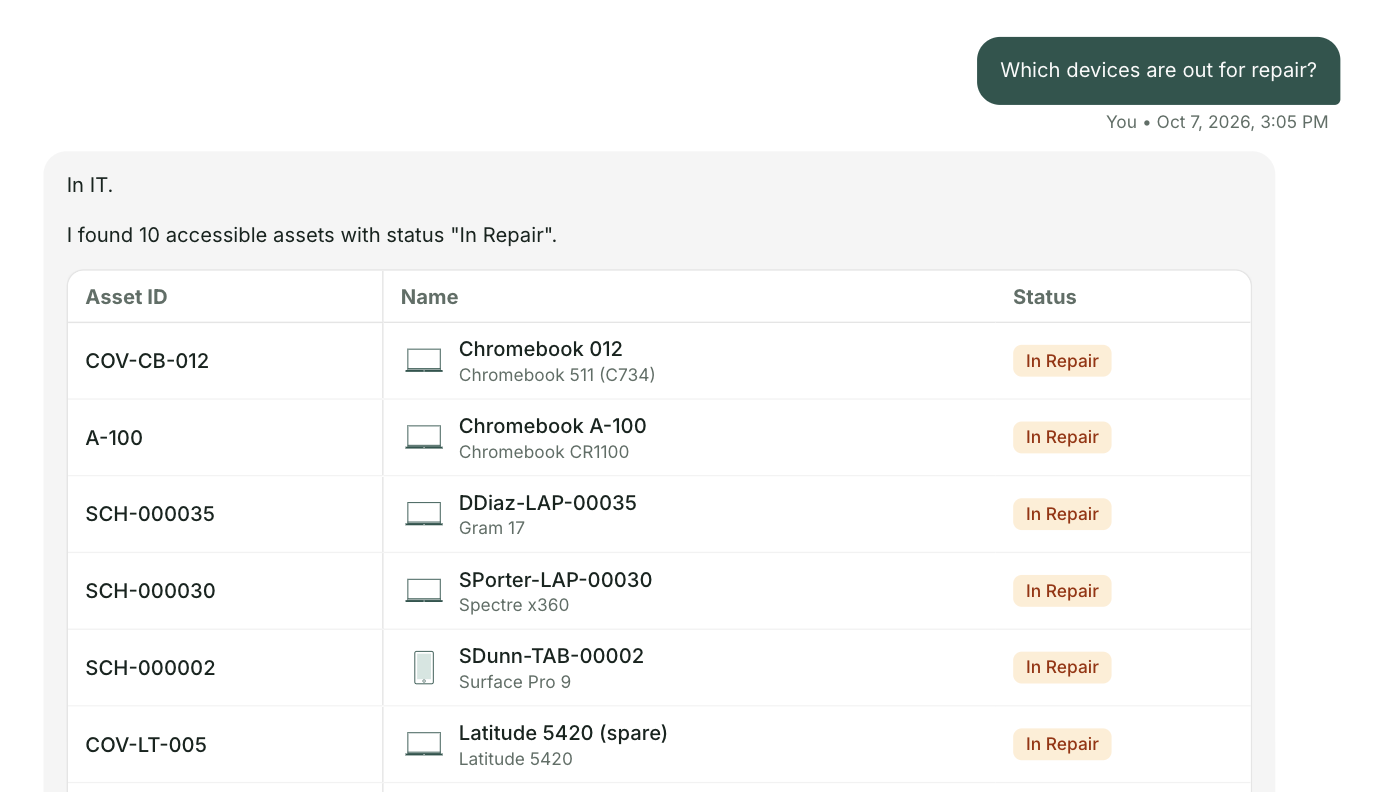
Check devices in and out as they’re issued or returned, keeping large deployments and end-of-year collections organized.



Everything you need to know about schoolAssets. Can’t find the answer you’re looking for? Please chat with our friendly team.

K-12 asset management software like schoolAssets helps school districts track devices such as Chromebooks, laptops, and tablets across buildings. It provides a centralized system for monitoring inventory, warranties, vendors, and device lifecycle data so technology teams can manage district assets efficiently.
Beyond the basics of model, status, assignee, and location, you can record purchase details, vendor history, warranty and lifecycle records, and custom fields like state asset ID numbers, grant codes, or funding sources.
Districts can implement schoolAssets in a few hours and gain visibility into their technology inventory across buildings. Data migration from your existing system or spreadsheets is easy.



Operational intelligence for K‑12. One front door, one connected picture, so your team spends less time coordinating and more time understanding.
.png)