
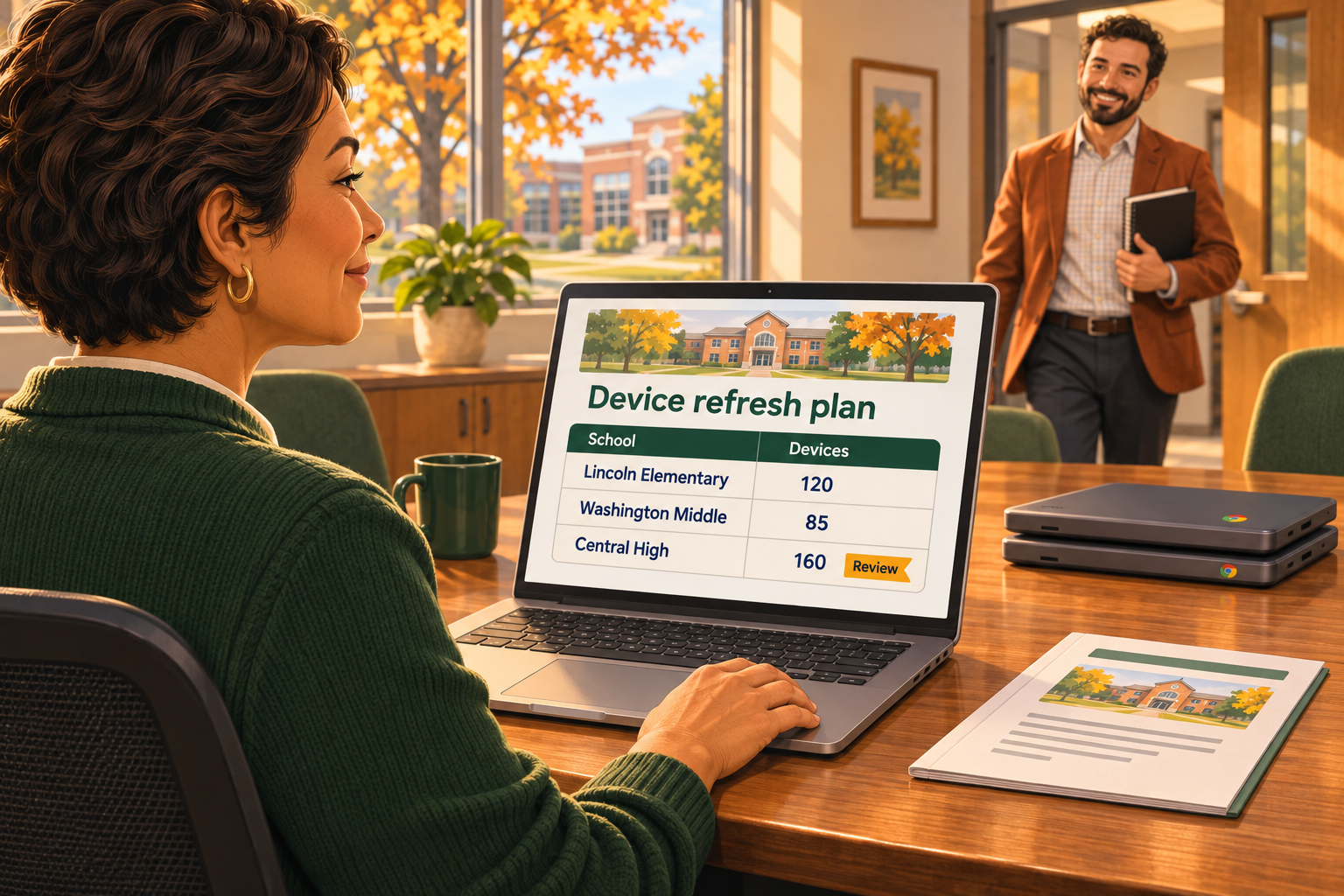
“What do we need to replace next year, and what will it cost?”
It’s a familiar budget question for district IT leaders. Answering it can take hours or days of pulling reports and cross-referencing device records.
Or you can just ask Otto, schoolOS' built-in AI co-pilot. In minutes, you have a school-by-school report you can review, save, and export for the budget meeting.
Because AI handles the bulk of information gathering and reporting, you can spend your time evaluating priorities and building your recommendation. These five steps show how Otto simplifies the process.
1. Establish Device Counts at Each School
Start with an inventory you can use to plan: device counts by school, model, and purchase year.
This helps you identify groups of devices approaching your district’s planned replacement window and understand where those replacements would be concentrated.
Check for records that could distort the picture, such as retired devices still listed as active, missing purchase dates, or incorrect school assignments. Make those gaps visible before using the totals in a budget request.
Getting this initial view can mean exporting records and building a pivot table before the refresh analysis even begins. Or you can ask Otto how many Chromebooks you have at each school, and it returns the school-by-school counts, removing that manual reporting step.
2. Identify Devices that Need a Closer Look
Apply your district’s replacement criteria to identify candidates for review. Depending on your policies and device types, those criteria may include:
- Age and the district’s planned replacement cycle
- Physical condition and recurring repairs
- Manufacturer support timelines, including Chromebook Auto Update Expiration dates
- Performance and instructional requirements
Purchase dates help organize that review. Depreciation schedules provide financial context, but a device’s accounting value and its usefulness are different things. A fully depreciated device may still meet your needs, while a newer device with persistent problems may warrant earlier replacement.
To get that initial view without cross-referencing the records yourself, ask Otto. It checks purchase dates and depreciation schedules, giving your team a starting point for evaluating devices against your district’s other replacement criteria.
3. Estimate Replacement Costs Using Clear Assumptions
Once you have candidate quantities, estimate what it would cost to replace them.
Use current quotes or clearly labeled planning estimates. Specify what the price includes and account for relevant costs such as accessories, warranties, licensing, and deployment.
Keep the value of existing devices separate from the cost of buying replacements. Original purchase cost and depreciated value may inform the discussion, but neither establishes what your district will need to spend next year.
Otto’s report gives you device information to work from. Your team still validates replacement pricing and documents the assumptions behind the budget request.
4. Flag Missing Device Information and Exceptions
Finding gaps by checking records one at a time adds to the preparation. Here again, Otto can reduce the manual work by flagging devices it couldn’t value so you know which records need attention. Your team can investigate those gaps and consider other exceptions, such as devices with recurring repairs.
Keep those items visible. Distinguish confirmed quantities and costs from estimates, and identify what needs verification before the plan is finalized.
Document exceptions, too. If you recommend keeping one group of devices longer or replacing another sooner, record the reason. That context will help when someone asks how you arrived at your recommendation.
5. Prepare a Report for the Budget Conversation
Once you’ve reviewed the results, you need something you can bring to the budget meeting. With Otto, you can open the answer as a report, save it, and export it, rather than assembling that view yourself. Then use the report as the foundation for a budget recommendation that shows:
- Proposed replacement quantities and device groups
- The criteria supporting those recommendations
- Estimated replacement costs and pricing assumptions
- Missing information, exceptions, and decisions still needed
This gives district leadership a basis for discussing priorities. If the full request cannot be funded, you can explain the trade-offs involved in changing its scope or timing.
Be sure to save the supporting assumptions with the report so you can revisit them when questions arise or the plan changes.
Bring a Confident Recommendation to Your Next Budget Meeting
Your team knows the district’s priorities, the devices causing problems, and the consequences of delaying a replacement. Preparing the data shouldn’t consume the time you need to apply that expertise.
Otto, built into schoolAssets and schoolHelpdesk, shortens the preparation so you can focus on identifying what needs replacement, defending your priorities, and answering the questions behind the numbers.
Walk into your next budget meeting feeling confident in your recommendation?
See how Otto can help you prepare your district’s device refresh plan: Meet Otto