
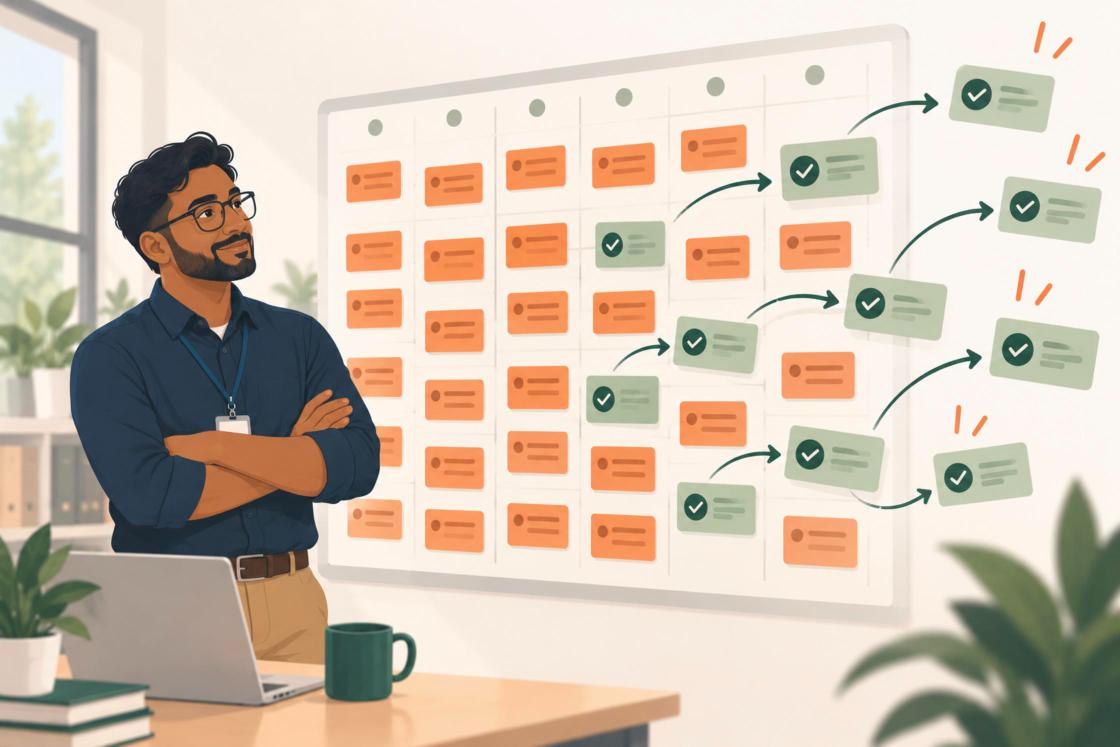
Ticket deflection is an effective way to reduce IT workload. If a teacher can reset a password, find an answer, or solve a common problem without submitting a ticket, that's one less request for IT to handle.
But it's only one way to reduce the work.
Some requests can be answered without involving a person. Others need human attention but don't belong with IT. Even when IT expertise is required, manual work is often needed to connect the systems and people involved in getting the request resolved.
If the real goal is to reclaim technical capacity, you need to look beyond ticket deflection and across the entire support process for opportunities to remove unnecessary manual effort.
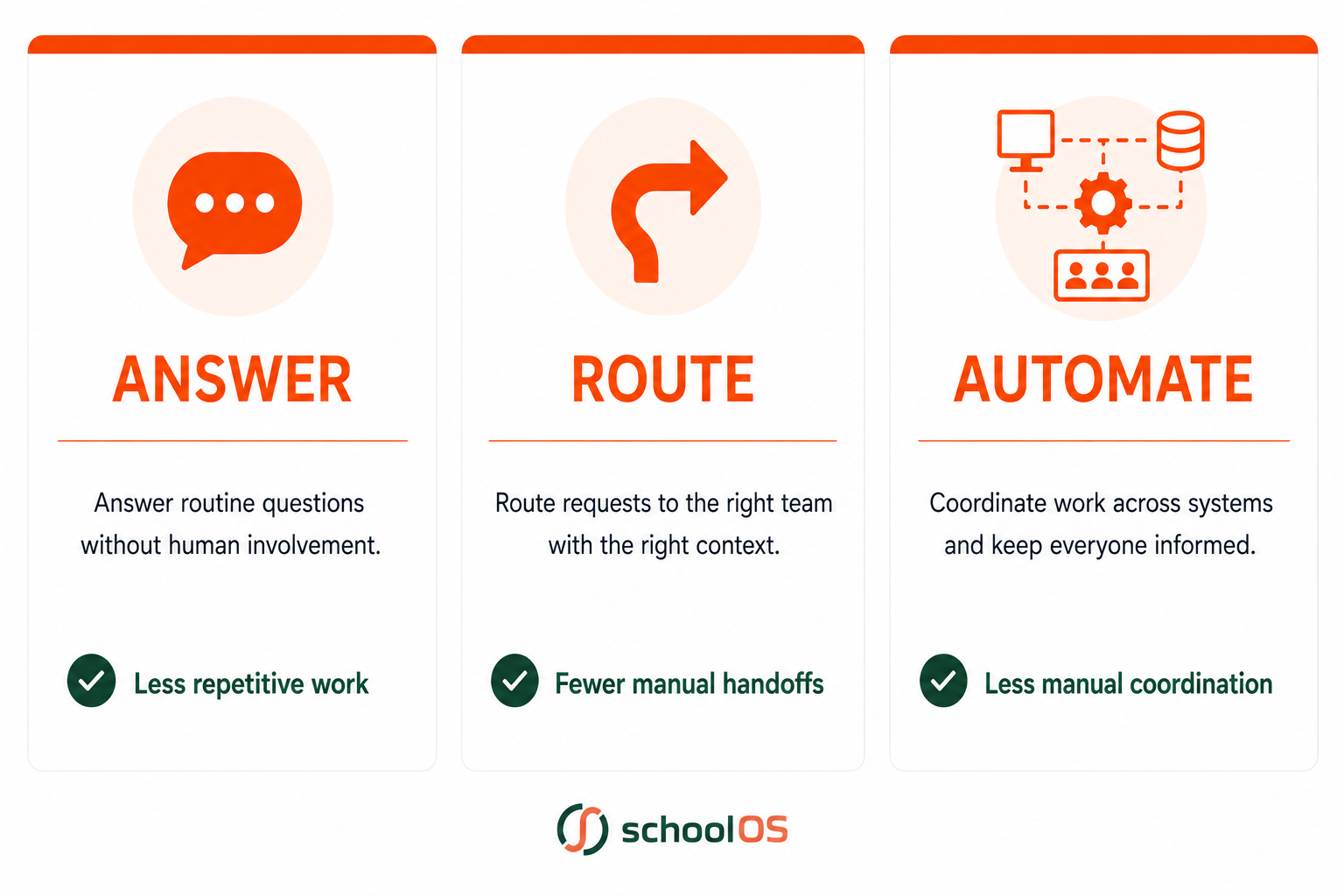
This three-part framework can help: Answer. Route. Automate.
3 Ways District IT Teams Can Reduce Manual Work and Regain Technical Capacity
ANSWER: Resolve Routine Questions Without Human Involvement
District IT teams routinely answer questions about passwords, Wi-Fi, applications, devices, and common processes. Often, the answer already exists somewhere in district documentation. The challenge is getting the right answer to the right person when they need it.
Traditionally, districts have tried to solve this with knowledge bases, FAQs, and other self-service resources. Those approaches can help, but they still depend on employees knowing where to look and being able to find the right information.
AI creates an opportunity to make district knowledge much easier to access. Instead of navigating folders, knowledge bases, or help articles, employees can ask questions naturally and receive answers based on approved district information.
The employee still gets support. But no one on the IT team has to stop what they're doing to provide it.
ROUTE: Send Requests to the Right Team With the Right Context
Some requests need human attention but don't need IT expertise.
When employees aren't sure whether something belongs to IT, HR, Facilities, Finance, Curriculum, or another department, IT often becomes the default destination. From the employee's perspective, that makes sense. They have a problem, they know IT has a helpdesk, and they need somewhere to start.
But every request that lands in the wrong place creates work. Someone has to read it, determine where it belongs, redirect it, and sometimes coordinate the handoff.
IT feels this problem first because the helpdesk becomes the default front door for help. But the underlying challenge is bigger: employees need help across departments, while the systems and processes behind that support remain fragmented.
A better support experience shouldn't require employees to understand the district org chart in order to get help. With AI, you can give them one place to enter requests, understand what they need, gather the necessary context, then route those requests directly to the right team.
The request isn't prevented. The unnecessary IT work is. See how agentic AI can use district knowledge to move a request from question to action.
AUTOMATE: Connect the Work Across Disconnected Systems
Some requests require IT expertise. But even when a person needs to be involved, much of the work surrounding that request may not require manual effort.
The same work-reduction opportunity extends beyond simple support requests. Many district processes require requests to move across multiple people, departments, and systems.
Consider onboarding a new employee. HR adds the employee to its system. That event could trigger account creation, assign access based on the employee's role, initiate device setup, and schedule orientation across the district's existing platforms.
The challenge is that district systems rarely work together as one system. A single request might require someone to gather information from one platform, update another, notify someone in a third, wait for an approval, then return to the original system to keep the work moving.
When those systems don't talk to one another, people fill the gaps.
Automation can connect that work across systems. A request can trigger actions in the tools a district already uses, move information from one step to the next, request human approval when it's needed, and continue the workflow once that approval is given.
People still make the decisions that require human judgment, but they don't have to manually coordinate every step between systems.
The goal isn't simply to automate individual tasks. It's to eliminate the manual work required to connect them.
Work Reduction Creates Capacity for More Important IT Priorities
For many district technology leaders, managing support has become a significant part of the job. In some districts, it may feel like the whole job.
It's easy to understand why. Teachers need functioning classroom technology. Employees need access to systems. Devices break. Networks go down. Support needs are immediate, visible, and difficult to postpone.
But as workloads grow and capacity remains constrained, those immediate demands consume technical capacity that’s needed elsewhere:
- Strengthening cybersecurity
- Establishing policies and governance for AI
- Modernizing infrastructure
- Improving data practices
- Evaluating new technologies
- Planning future investments
These district technology priorities don't always arrive with a ticket attached to them. But they increasingly require attention and leadership.
The ultimate goal isn’t making the helpdesk more efficient. It's reclaiming capacity for the work that requires IT expertise.
When day-to-day support consumes most of the available capacity, this strategic work gets pushed aside. Not because it isn't important, but because something more urgent keeps taking its place.
Work Reduction Goes Beyond the Helpdesk
Answering and routing requests reduces the amount of work that reaches IT. Automation reduces the manual effort required to get from request to a resolution when that work crosses teams and systems.
But the larger opportunity is to change how work moves through the district.
That's what makes work reduction much more than ticket deflection. The opportunity isn't simply to create fewer tickets. It's to rethink district operations so they require less manual coordination in the first place.
How Much Time Is Your IT Team Spending on Unnecessary Work?
Before you can reduce unnecessary support work, you need to understand where your team's time is going today.
The Hidden Work Calculator helps you estimate how much time your IT team spends on repetitive questions, manual routing, missing information, and cross-department coordination, and how much technical capacity that work may be consuming.

.png)