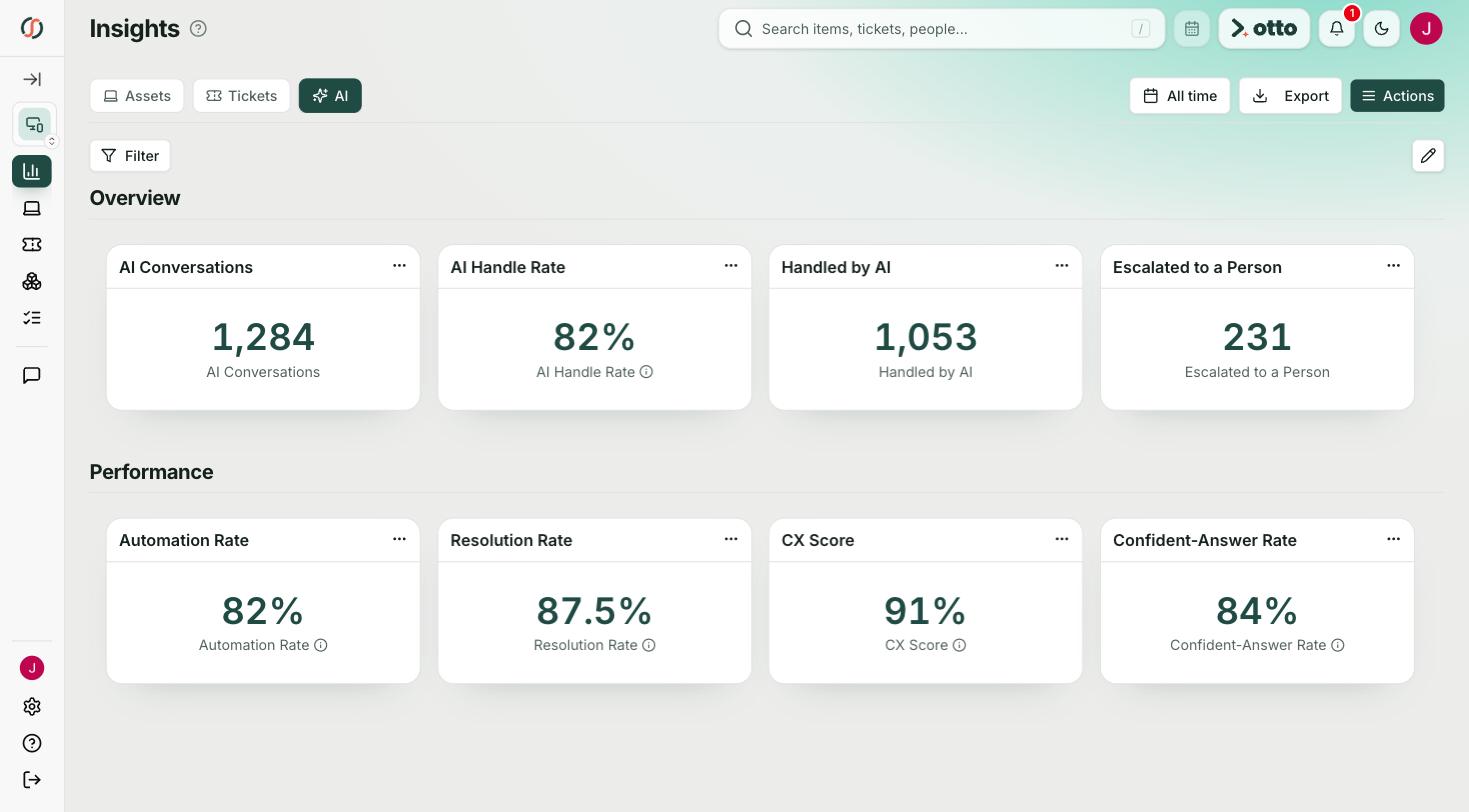
schoolOS gives K12 districts a help desk built for staff, students, and families, with schoolAgent answering routine questions before they become tickets. Real issues land in schoolHelpdesk already routed, with the context your technicians need.
Before the call, we crawl your district's public website, so the demo runs on your district's real questions.
 One front door
 Olympia School District
 Lower Moreland Township SD
 Ladue School District
 Massac Unit SD #1Olympia School DistrictLower Moreland Township SDLadue School DistrictMassac Unit SD #1
The best K12 help desk cuts the work coming into your queue, not just the way you sort it. Districts usually compare tools built for K12, like schoolOS, Incident IQ, One to One Plus, and Onflo, with general tools like ServiceNow, Freshservice, and Zendesk. schoolOS is built for K12 and starts by answering. schoolAgent handles routine questions from staff, students, and families, and only real issues become tickets in schoolHelpdesk, already routed with context.
Password resets, calendar questions, and device returns shouldn't wait in a queue. Look for a help desk that answers routine requests from your district's own content and creates a ticket only when a person is needed.
Staff, students, and parents all need help. Many help desks only take staff logins, so family requests reach IT secondhand. schoolOS takes requests from all three, in the channels they already use.
schoolOS supports sign in with district Google accounts and connects to Google, Jamf, Intune, and other MDMs, your SIS, and the help desk you run today. Nothing gets turned off on day one.
Per agent pricing grows every time another staff member touches the system. schoolOS prices per student, as one line item with no implementation charge.
Every option below can log and route a ticket. The differences are who can ask for help, how much upkeep your team carries, and whether routine questions get answered before they reach the queue.
Based on publicly available information, November 2026. Spot something out of date? Tell us and we will correct it.
schoolOS is the first platform I've seen that actually addresses how operations work in practice.
Marc ElliottCIO, Olympia School District, WAK12 help desk software is the system a school district uses to take, route, and resolve requests for technology and operations help. The best ones also answer routine questions on their own, so your team spends its time on work that needs a person.
Start with the questions that repeat. Olympia School District analyzed 18,385 tickets and found 42 percent were routine requests that could be answered without a technician. schoolAgent answers those from district content, and the rest arrive in schoolHelpdesk already routed.
schoolOS supports sign in with district Google accounts, pulls Chromebooks from the Google Admin console, and connects to Jamf, Intune, and other MDMs so every device lands in one asset record next to its tickets.
No. Many districts start with schoolAgent in front of the help desk they already run and move ticketing to schoolHelpdesk later, when it makes sense for them.
About a week. schoolAgent starts by reading your district's public website, and integrations with your SIS, MDM, and help desk follow. There is no implementation charge.
schoolAgent
We crawl your district's public website before the call. 30 minutes.
Book a demo