Most districts hear the same thing. People don't know where to go for help. So we walked tacomaschools.org the way a teacher, a parent and a custodian would. About 90 seconds.
Get the full list for tacomaschools.orgMade by the schoolOS team from your public website. The schoolAgent scenes are a concept view.
On tacomaschools.org the Technology Support page is written for students and families. Staff requests go through a ticket portal and a Staff Hub, each on its own site.
The Facilities page covers renting buildings and fields. For a leak, the path is a phone call.
The Buses page sends families to an outside app with its own account and a student ID.
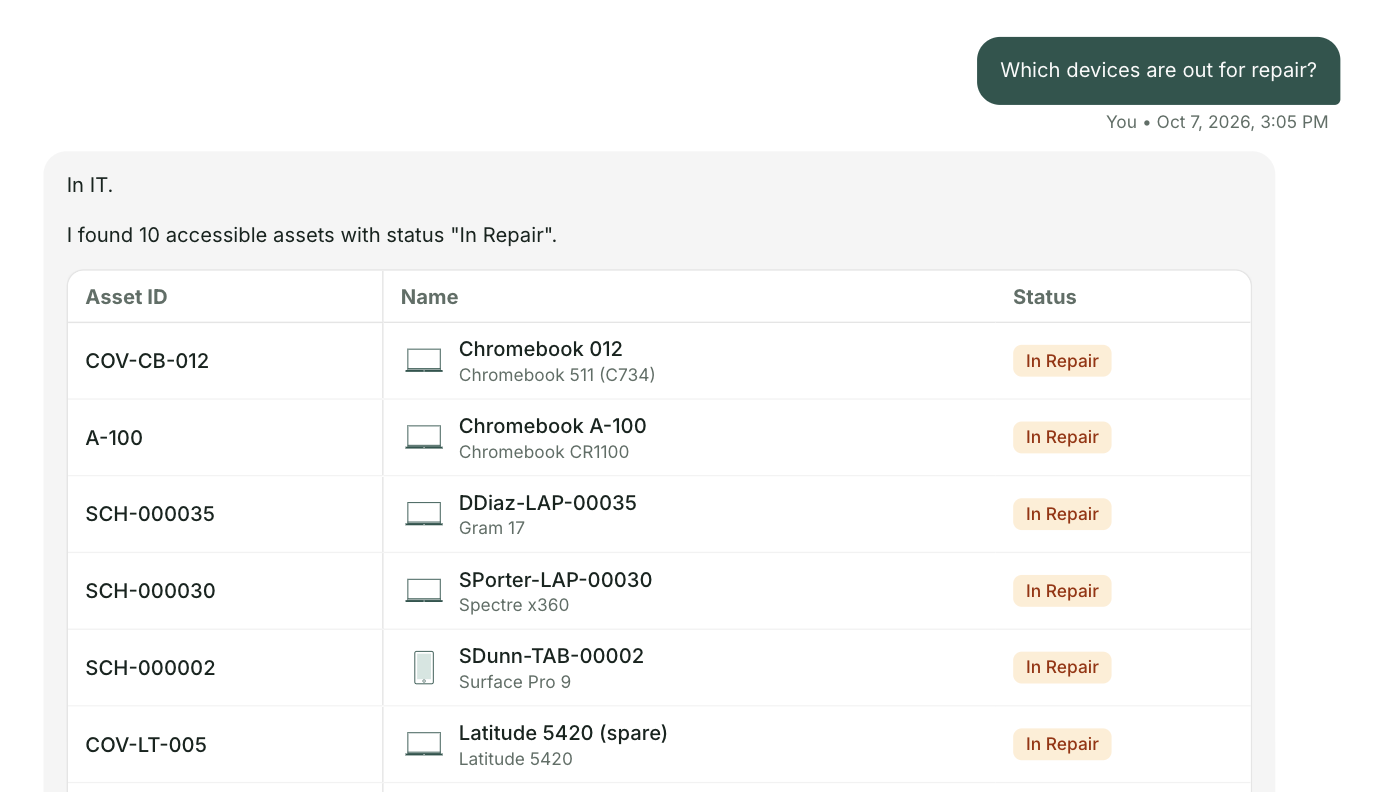
Your site already has good answers, like whether a student in a walk zone can ride the bus. schoolAgent answers from that content and sends everything else to the right team with the details attached. One place to ask. Your team keeps the work that needs them.
We walked a handful of everyday questions through tacomaschools.org the way a parent or staff member would. What we found is common. Most districts add systems over time, from different teams. Everything here comes from your public website, and we haven't posted it anywhere. The schoolAgent scenes are a concept view.
That's what Olympia's technology team found when they looked at their own help desk tickets. Same kind of questions, landing in the same place.

For the Tacoma technology team
We'll send you everything we found on tacomaschools.org, what the site answers and where people get stuck. Nothing needed from you.
Send me the list