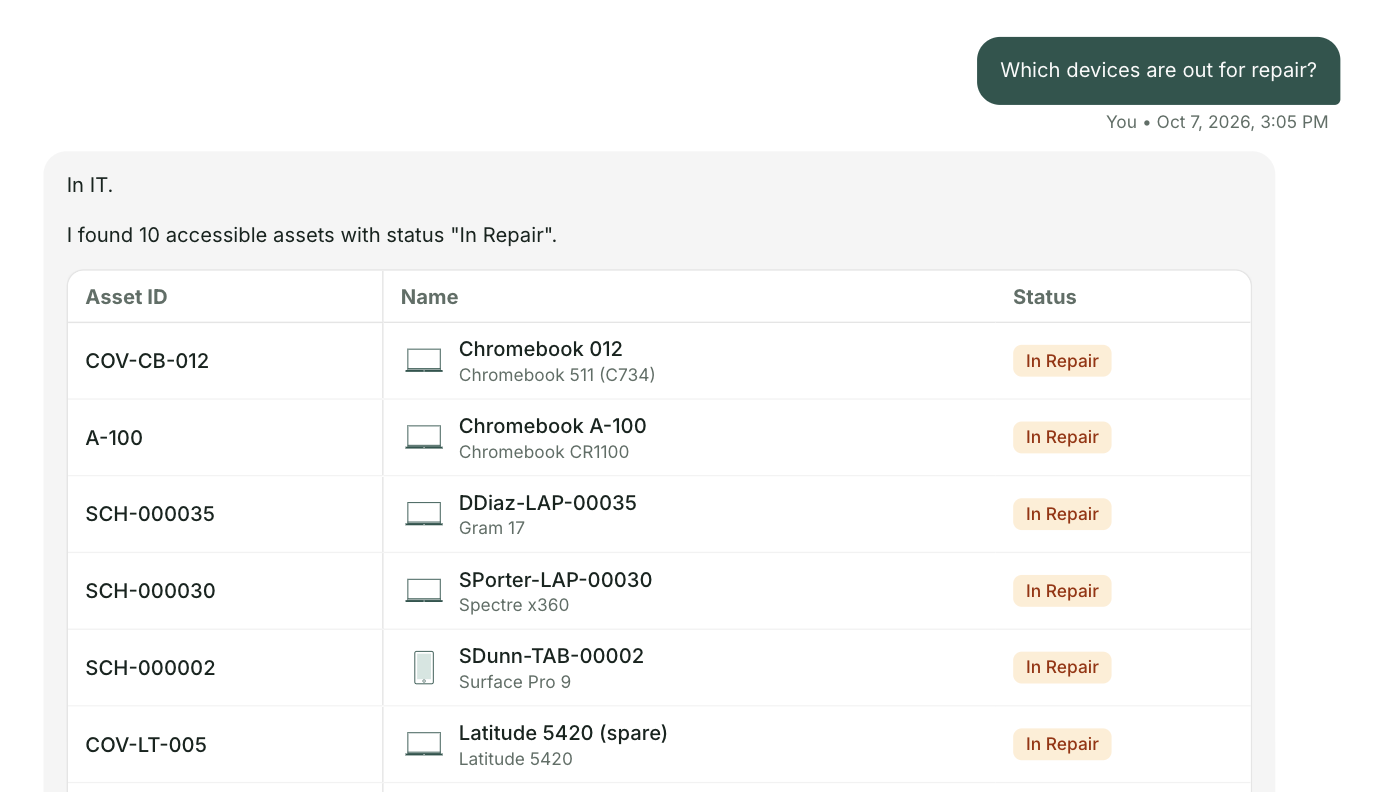
A short video made for the Prosser School District technology team. Three everyday requests on prosserschools.org today, and the same three through one front door.
Get the full list for prosserschools.orgUnder two minutes. Everything in it comes from your public website. The schoolAgent scenes are a concept view.
The General Technology Self Help section links a password reset, and that link opens an email to the helpline. With one front door the login problem becomes a ticket in your help desk with the Chromebook attached.
The Skyward reset uses the same email link and the same inbox. With one front door the reset reaches the helpline once, already complete.
Your home internet troubleshooting tips are a real strength. With one front door the family gets those tips first, and a ticket is ready if they don't do the job, instead of an appointment.
The appointment link stays for the problems that need a person. The routine ones get answered or arrive as a complete ticket.
Your Technology Department page names the whole team with extensions, offers appointments, and has self help for the problems families really have. One front door builds on that. It answers from the help you already wrote and routes the rest into your help desk.
At Olympia School District, 42 percent of 18,385 tickets could have been answered before they ever became a ticket.

For the Prosser technology team
A short briefing on what one front door would look like on prosserschools.org, with your three requests and the people who answer them today. No demo. Reply to the email and we will find a time.
Send me the list