A short video made for the Potlatch School District 285 technology team. Three everyday requests on psd285.org today, and the same three through one front door.
Get the full list for psd285.orgUnder two minutes. Everything in it comes from your public website. The schoolAgent scenes are a concept view.
Popular Links has no technology help, so it's a call to the main office. With one front door it becomes a ticket before the bell, attached to that device.
Parent Resources puts the family portal link near the top, and that one works well. With one front door the parent gets that link right away.
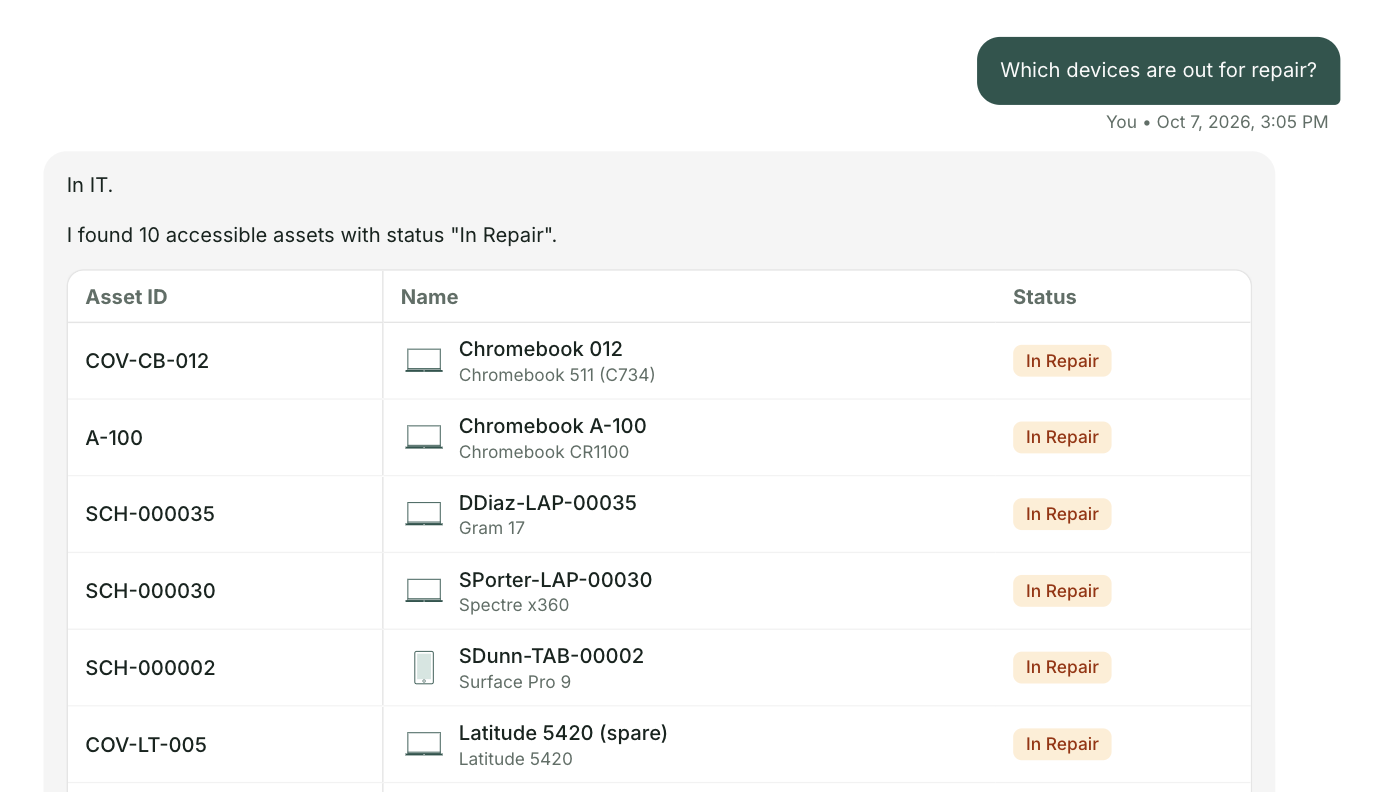
A teacher looks up a name in the staff directory. With one front door the repeat repair lands on the device record, so you can see which ones to fix and which to pull.
With few spares, knowing which Chromebooks to repair and which to retire is the whole job. One record per device makes that call quick.
Your Parent Resources page gathers the family links in one place, and the staff directory is complete. One front door builds on that. It sends device problems straight to technology with the device attached.
At Olympia School District, 42 percent of 18,385 tickets could have been answered before they ever became a ticket.

For the Potlatch technology team
A short briefing on what one front door would look like on psd285.org, with your three requests and the people who answer them today. No demo. Reply to the email and we will find a time.
Send me the list