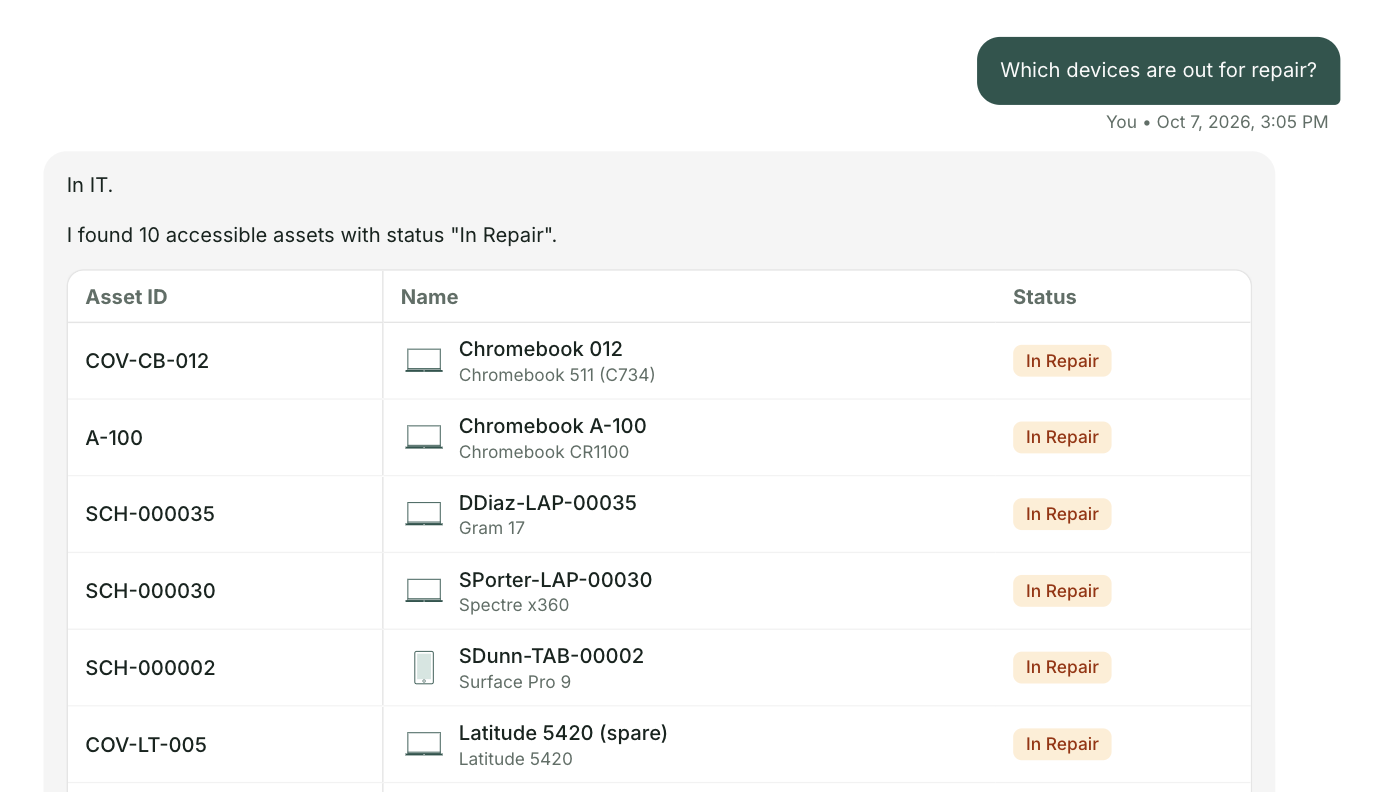
A short video made for the Northampton Public Schools technology team. Three everyday requests on northamptonschools.org today, and the same three through one front door.
Get the full list for northamptonschools.orgUnder two minutes. Everything in it comes from your public website. The schoolAgent scenes are a concept view.
The Student Devices section explains the device program and links each agreement, but not what to do next. With one front door the cracked screen opens as a ticket on that student's Chromebook.
The File a Support Ticket with IT button opens an email to a support inbox. With one front door the request is a ticket in one step, with the building and room already on it.
Your page says high school students may check one out, but not where or how. With one front door the student gets your policy and a checkout request together.
Every take home device, repair and checkout lands on one record, so the next replacement starts with a real count.
Your Technology page is clear, and your student data privacy work is thorough and public. One front door builds on that. It answers from the policies you already wrote and sends the rest to your team as complete tickets.
At Olympia School District, 42 percent of 18,385 tickets could have been answered before they ever became a ticket.

For the Northampton technology team
A short briefing on what one front door would look like on northamptonschools.org, with your three requests and the people who answer them today. No demo. Reply to the email and we will find a time.
Send me the list