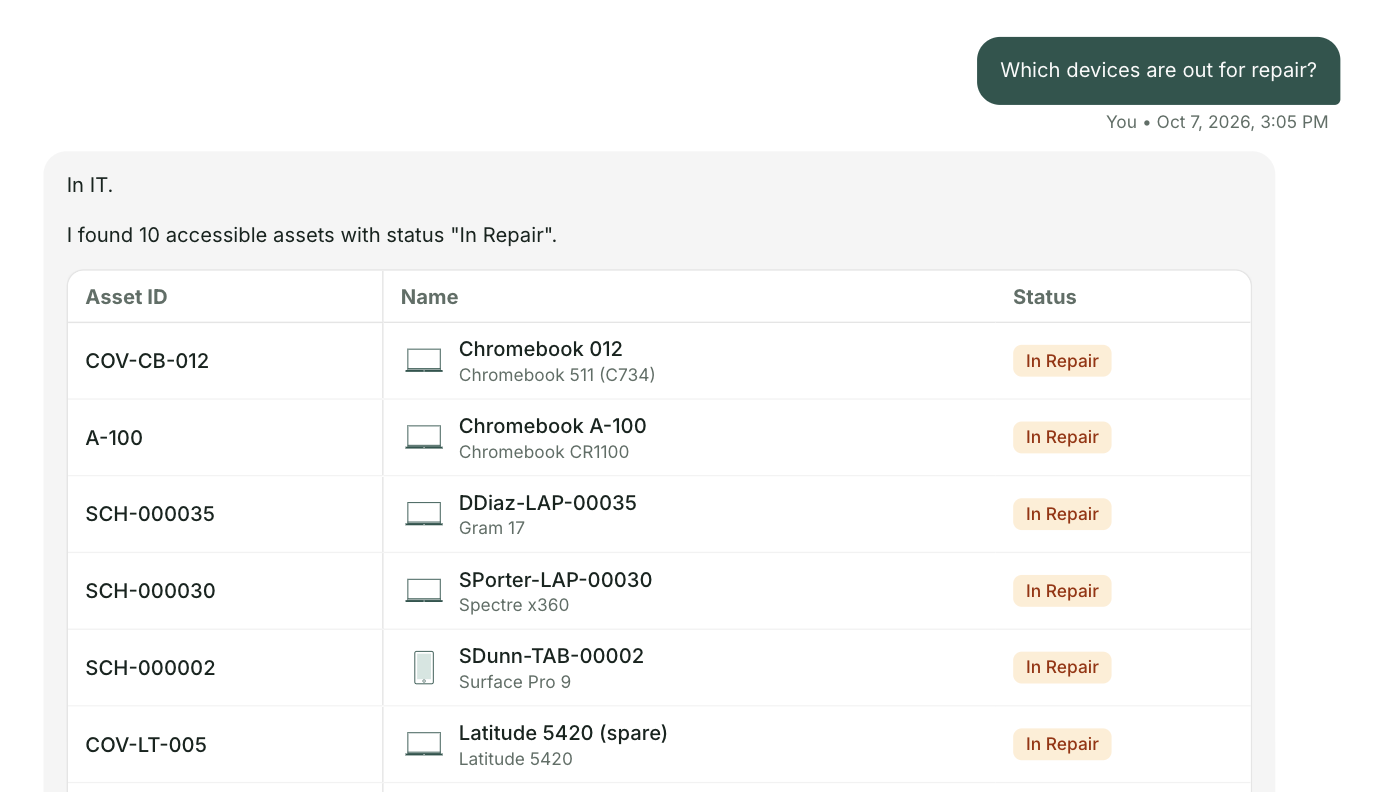
A short video made for the North Kingstown School Department technology team. Three everyday requests on nksd.net today, and the same three through one front door.
Get the full list for nksd.netUnder two minutes. Everything in it comes from your public website. The schoolAgent scenes are a concept view.
The Technology Requests page lists a help desk address for each building, and the teacher writes up the details herself. With one front door she types it once, and it reaches your team with the building, room and device already filled in.
The Chromebook Repairs page sends the student to the school's designated person, with a main office number for each school. With one front door the parent gets that answer word for word, and a repair ticket opens for your team.
The four steps are clear, and they sit inside a closed panel on the Teacher and Staff Technology Resources page. With one front door they come back word for word, without the search.
Academic Software Requests runs through a school form, principal approval and a monthly committee. With one front door the teacher is pointed to the right form for her school the first time.
Your Technology Department page names every person on the IT team, and technicians visit the schools 2 to 3 times a day. Your plan's first goal is “ensuring technology infrastructure, staffing, and support are reliable and available for all constituents.” One front door builds on that. It answers from the pages you already wrote and sends the rest to the team that already responds fast.
At Olympia School District, 42 percent of 18,385 tickets could have been answered before they ever became a ticket.

For the North Kingstown technology team
A short briefing on what one front door would look like on nksd.net, with your three requests and the people who answer them today. No demo. Reply to the email and we will find a time.
Send me the list