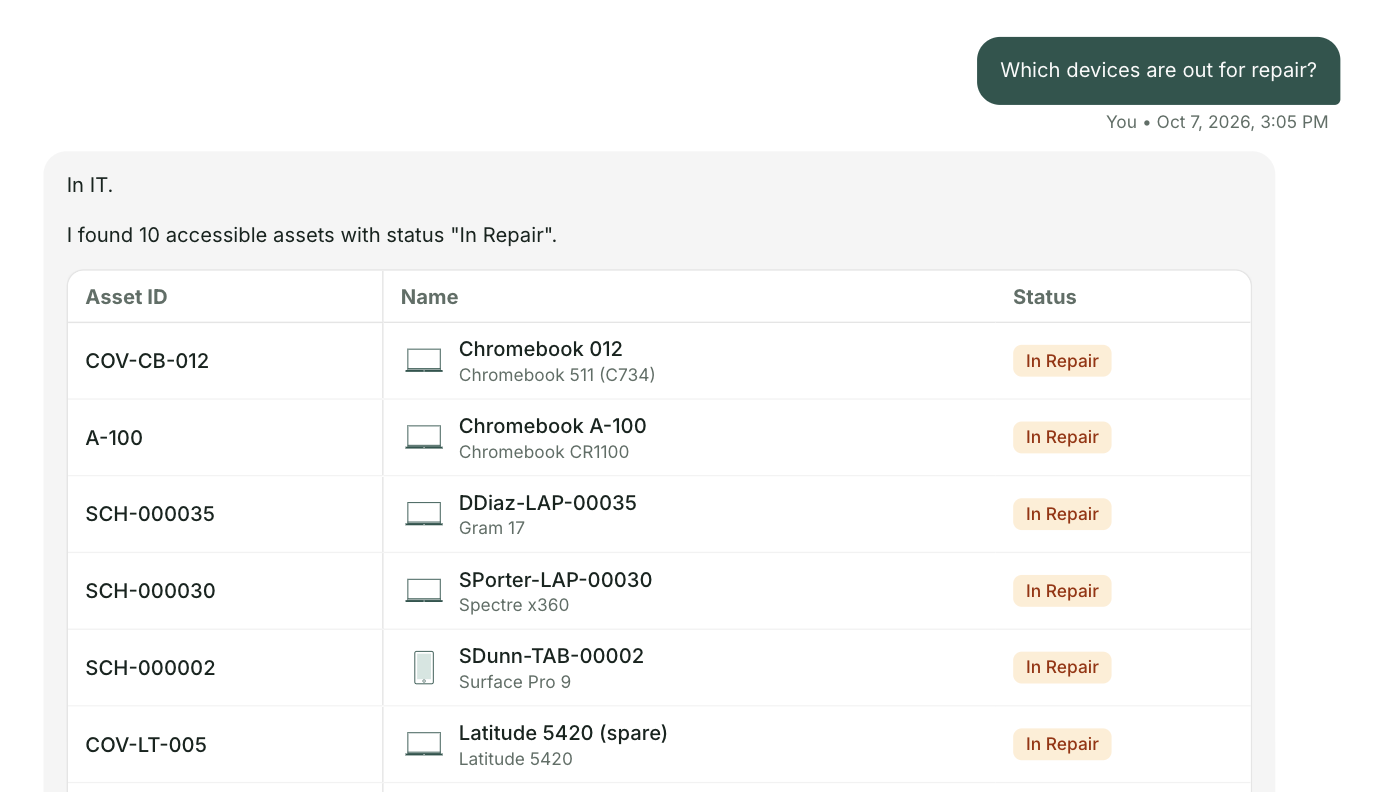
A short video made for the School District of La Crosse technology team. Three everyday questions on lacrosseschools.org today, and the same three through one front door.
Get the full list for lacrosseschools.orgUnder two minutes. Everything in it comes from your public website. The schoolAgent scenes are a concept view.
The Technology Services FAQs answer it. Hot spots are available for the school year, and families contact the school office to request one. With one front door the parent gets that answer word for word, and the request goes straight to the school office.
The damaged device question covers insurance, and the next question gives the help desk number, option 8. With one front door the student describes the problem once, and a repair ticket opens for your team next to the iPad's record.
Tech Support offers a ticket portal with its own sign in, or the help desk phone line. With one front door the teacher types it once, and it reaches your team with the building, room and device already filled in.
The Buildings and Grounds page lists the team and their phone numbers. With one front door a building request goes to Buildings and Grounds with the school and room attached, on the same path as a tech request.
Your Technology Services page answers a lot, from hot spots to which apps students can install through Self Service. It also links your AI policy and guidance. One front door builds on that. It answers from the pages you already wrote, is trained without student data, and keeps a person on your team in command.
At Olympia School District, 42 percent of 18,385 tickets could have been answered before they ever became a ticket.

For the La Crosse technology team
A short briefing on what one front door would look like on lacrosseschools.org, with your three questions and the people who answer them today. No demo. Reply to the email and we will find a time.
Send me the list