Most districts hear the same thing. People don't know where to go for help. So we looked up three everyday questions on isd411.org, the way families ask them. Under two minutes.
Get the full list for isd411.orgMade by the schoolOS team from your public website. The schoolAgent scenes are a concept view.
The steps are on isd411.org, inside the FAQ on the 1:1 Information page under Academics and Digital Learning. With one front door, the student asks once and gets those steps word for word, with the page as the source.
The Find Your Bus Route page explains it well. On a delay, pickup is one or two hours after the normal stop time, plus 5 minutes early. Daily routes sit behind a separate E-Link sign in. One front door gives the rule right away and links to E-Link for the route.
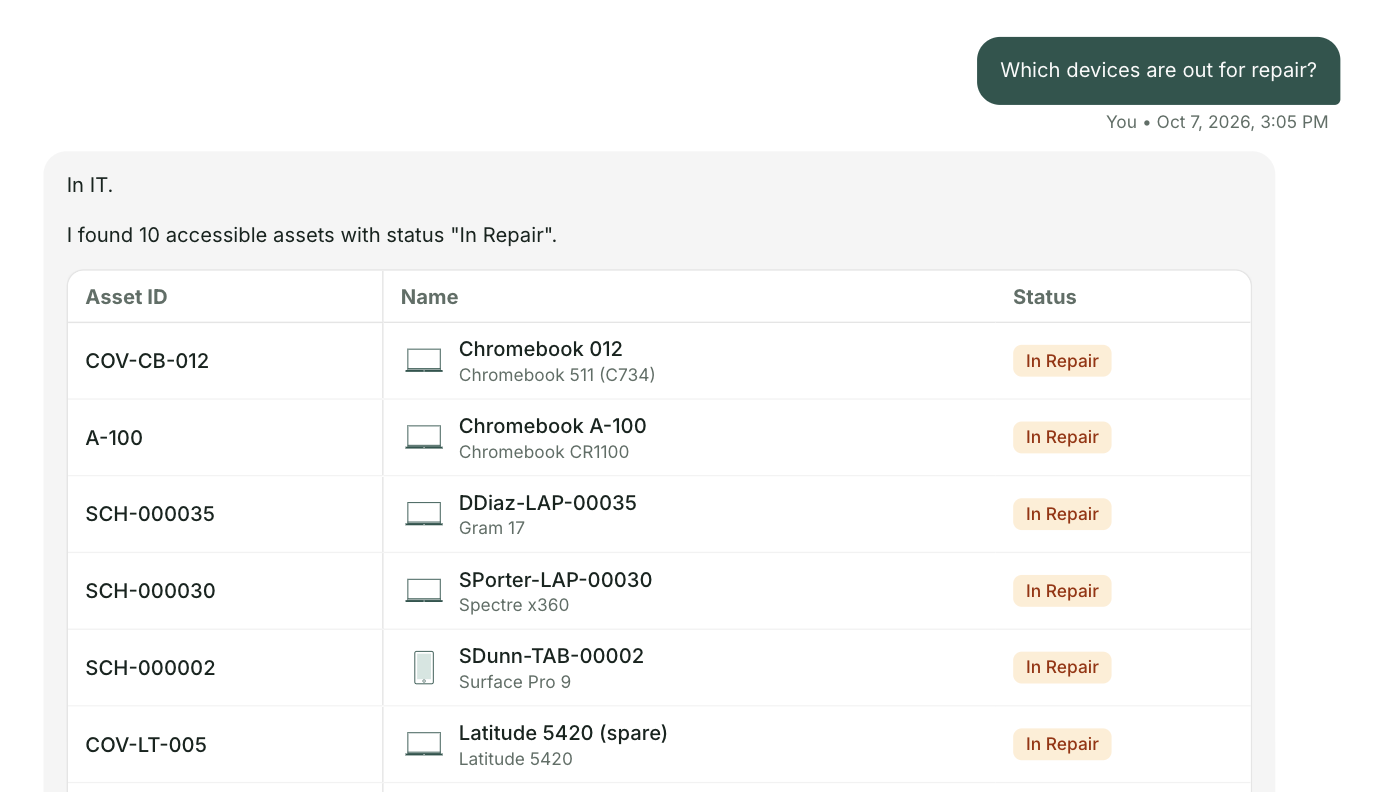
Your FAQ names the right person, the school's technology specialist, and asks students to start with a teacher or the office. One front door takes the school and device once and sends the repair to that specialist through the work order system you already run.
Your site already has good answers, and every school has its own technology specialist. schoolAgent answers from your pages and hands everything else to the right person in the systems you already use. Nothing to replace. One place to ask, and your team keeps the work that needs them.
We looked up a handful of everyday questions on isd411.org the way a student or parent would. What we found is common. Each department added its own pages over the years. Everything here comes from your public website, and we haven't posted it anywhere. The schoolAgent scenes are a concept view.
That's what Olympia's technology team found when they looked at their own help desk tickets. Same kind of questions, landing in the same place.

For the Issaquah technology team
We'll send you everything we found on isd411.org, what the site answers and where people get stuck. Nothing needed from you.
Send me the list