Your team already runs tech and maintenance through one ticket system. We looked up three everyday requests on fondafultonvilleschools.org, the way a teacher, a custodian and a parent would, to see how each one gets there. About 90 seconds.
Get the full list for fondafultonvilleschools.orgMade by the schoolOS team from your public website. The product scenes show sample data.
Help lives under Staff Resources, on a separate IT site with three good ways to ask. With one front door on your main site, the teacher types it once and the request reaches IT with the room and the device filled in.
Maintenance already shares the IT ticket system, which is a real head start. The Maintenance Help link only works inside the school. One front door on your website is open from anywhere, and the request reaches Building and Grounds with the topic already set.
The Chromebook Program, FAQ and Damage Coverage pages explain the program and the coverage plan. None of them says how to report damage, so the question goes to an inbox. One front door answers from your coverage page and starts the repair request.
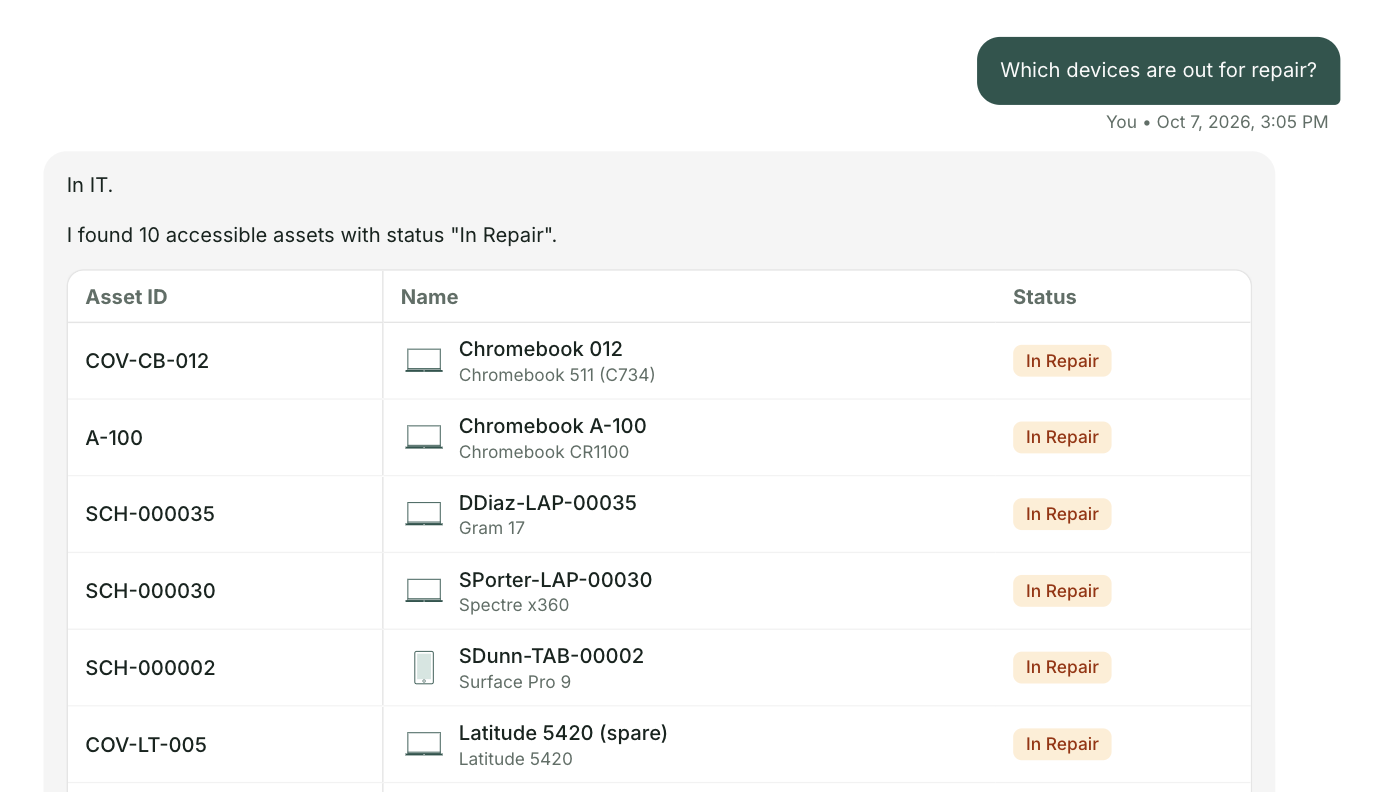
Staff, families and custodians all start in the same place on your website. Answers come straight from your own pages, and anything that needs a person reaches your team with the details already filled in. Repairs are logged on each device's record, so every claim and fix is in one view.
We looked up three everyday requests on fondafultonvilleschools.org the way a teacher, a custodian and a parent would. Everything here comes from your public website, and we haven't posted it anywhere. The product scenes show sample data.
At Olympia School District, 42 percent of 18,385 tickets could have been answered before they ever became a ticket.

For the Fonda Fultonville technology team
We'll send you everything we found on fondafultonvilleschools.org, what the site answers and where people get stuck. Nothing needed from you.
Send me the list