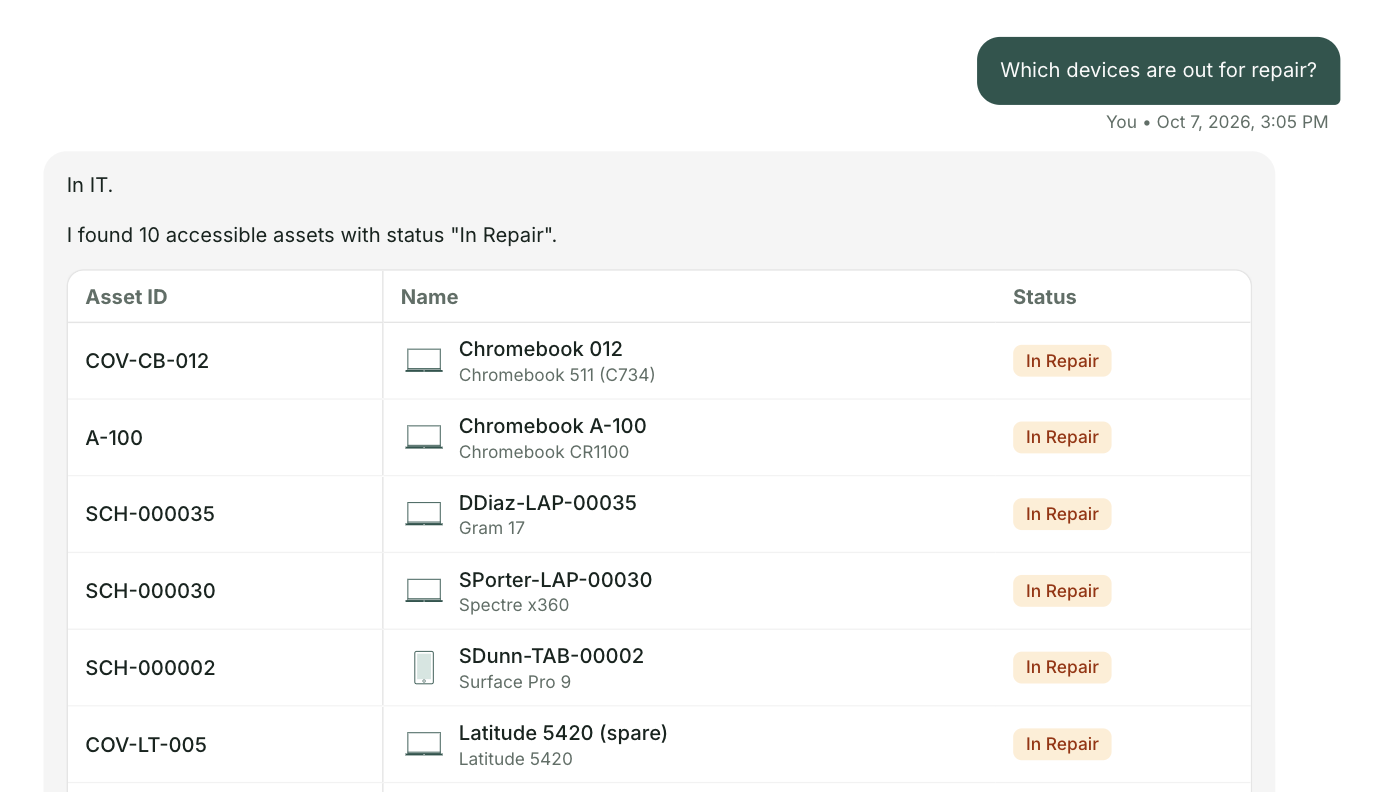
Most districts hear the same thing. People don't know where to go for help. So we looked up three everyday questions on scec.k12.in.us, the way a teacher, a parent and a student would. About 90 seconds.
Get the full list for scec.k12.in.usMade by the schoolOS team from your public website. The schoolAgent scenes are a concept view.
There's a how to video on Staff Links, but the path she knows is a work order, in a separate system.
The answer is under item F of Take Home Chromebook Information. When families can't find it, they call.
The fix is a shared document behind Quick Links.
Your team has already written good answers, like the charging steps under item F. schoolAgent answers from that content and sends everything else to the right team with the room and details attached. One place to ask. Your team keeps the work that needs them.
We looked up a handful of everyday questions on scec.k12.in.us the way a teacher, parent or student would. What we found is common. Each department added its own tools over the years. Everything here comes from your public website, and we haven't posted it anywhere. The schoolAgent scenes are a concept view.
That's what Olympia's technology team found when they looked at their own help desk tickets. Same kind of questions, landing in the same place.

For the School City of East Chicago technology team
We'll send you everything we found on scec.k12.in.us, what the site answers and where people get stuck. Nothing needed from you.
Send me the list