In most districts, tech and facilities requests live in different places. So we looked up two everyday requests on camas.wednet.edu, the way a teacher and a custodian would. About 80 seconds.
Get the full list for camas.wednet.eduMade by the schoolOS team from your public website. Product scenes show sample data.
Technology Services lists a phone number and the staff directory. The help desk link sits in a list under Staff Corner.
Operations describes maintenance, grounds and custodial. For a leak, the path is a phone number.
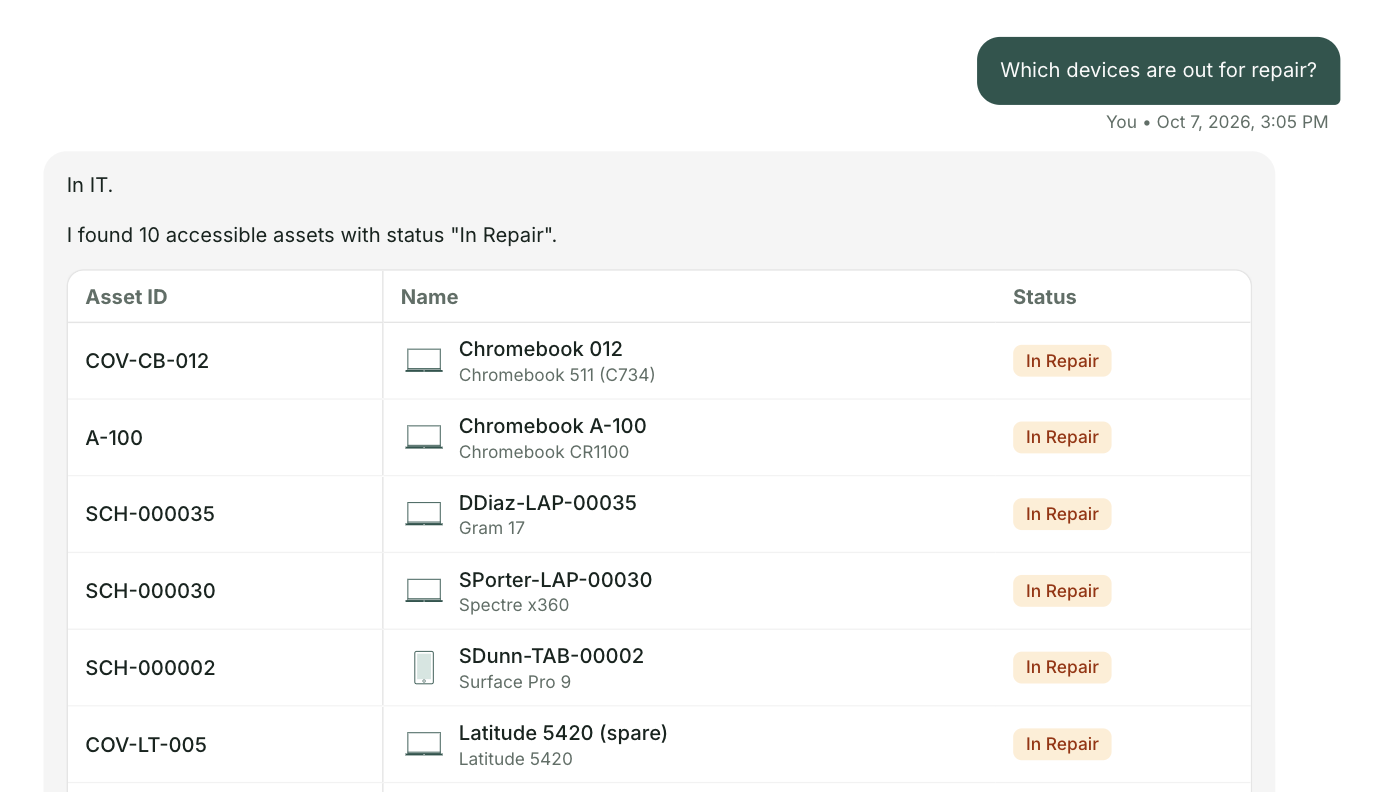
Tech and facilities requests land in one help desk, each team with its own workspace. The projector and the leak both land there. Every device sits in one asset list with its age, warranty and tickets, so when a principal asks how old the projectors are, the answer is already there. And otto, the Co-Pilot built into schoolHelpdesk and schoolAssets, answers your team's questions in plain language from your own records.
We looked up a handful of everyday requests on camas.wednet.edu the way staff would. What we found is common. Each department added its own tools over the years. Everything here comes from your public website, and we haven't posted it anywhere. The product scenes show sample data.
Olympia School District brought three separate products into one system.

For the Camas team
We'll send you everything we found on camas.wednet.edu, where tech and facilities requests go today and where they get stuck. Nothing needed from you.
Send me the list