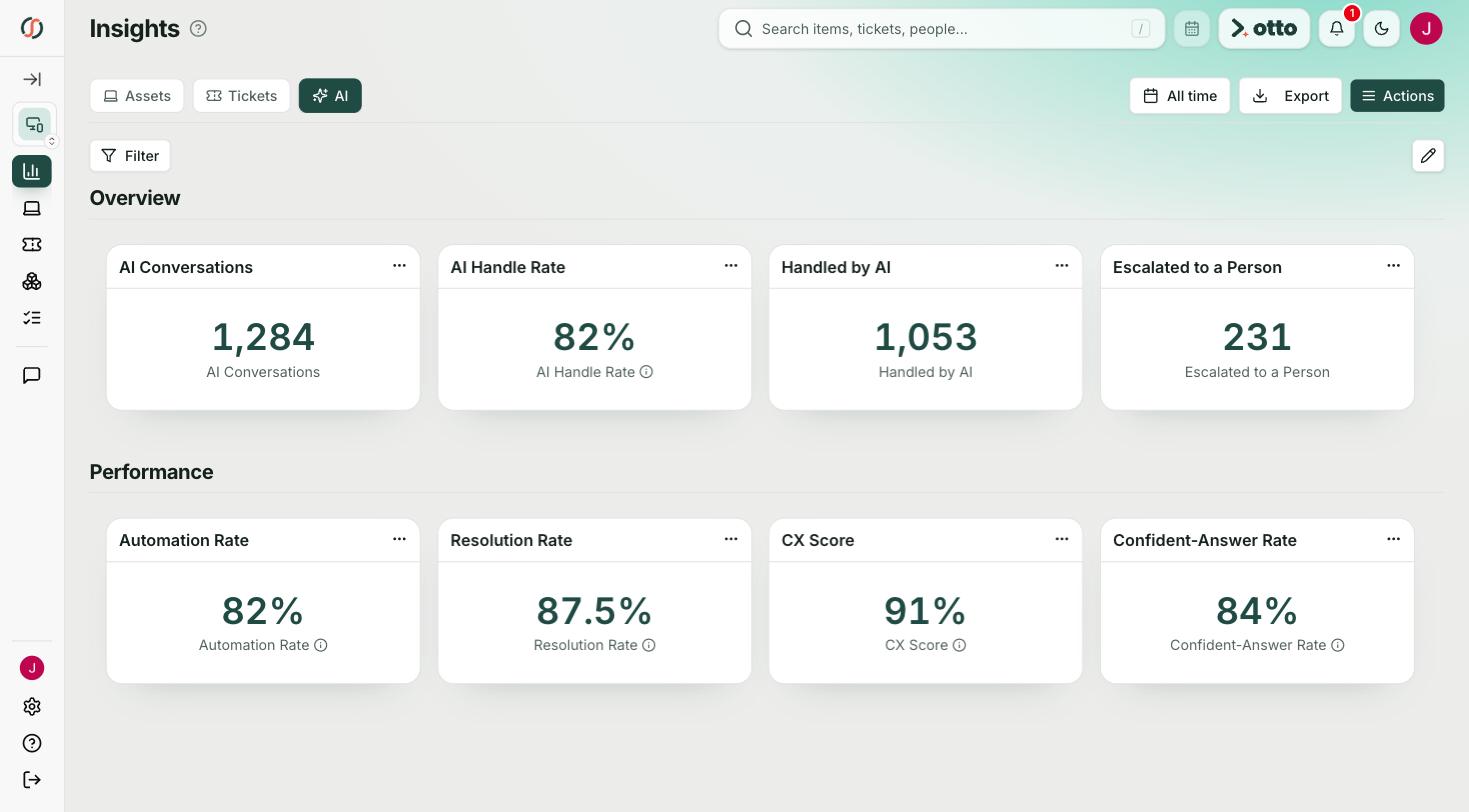
schoolAssets is the schoolOS asset management system for K12 districts that need to know where every Chromebook stands. It pulls devices from your MDMs into one record with the person holding it and its ticket history, and otto answers inventory questions in plain language.
Before the call, we crawl your district's public website, so the demo runs on your district's real questions.







 Olympia School District
 Lower Moreland Township SD
 Ladue School District
 Massac Unit SD #1Olympia School DistrictLower Moreland Township SDLadue School DistrictMassac Unit SD #1
Districts usually compare tools built for K12, like schoolOS, Incident IQ, and One to One Plus, against spreadsheets or a general IT asset tool. The right fit depends on where your work is. One to One Plus is strong on device fees and payments. schoolAssets fits districts that run more than one MDM and want devices, people, and tickets in one record. It pulls Chromebooks from the Google Admin console alongside Jamf and Intune devices, and you can lock, wipe, or deprovision right from the asset record.
Your MDMs don't agree on what a device is, and none of them know who's holding it. schoolAssets joins MDM data, the assigned person, and every ticket into one record.
Ask otto how many Chromebooks are out for repair at each school, or which devices come off warranty this year, and get the list from live inventory.
Warranties, repair history, and device age in one place give you a refresh plan you can take to your board.
Move your MDM devices, asset records, and ticket history into schoolOS with no implementation charge.
Every option below can hold a list of devices. The differences are how the records stay current, who each device is tied to, and how fast you can get an answer out.
Based on publicly available information, November 2026. Spot something out of date? Tell us and we will correct it.
schoolOS is the first platform I've seen that actually addresses how operations work in practice.
Marc ElliottCIO, Olympia School District, WAIt depends on your fleet. schoolAssets by schoolOS fits districts that run more than one MDM and want each Chromebook tied to the student holding it and its repair tickets. One to One Plus is strong when device fees and payments are the main need.
Yes. schoolAssets pulls Chromebooks and other Google managed devices from the Admin console and maps their fields, the same way it handles Jamf.
Yes. schoolOS connects to Google, Jamf, Intune, PDQ Connect, JumpCloud, NinjaOne, FileWave, Workspace ONE, and more, and pulls every device into one asset record.
Yes. schoolOS works alongside your current stack. Some districts start with schoolAgent answering device questions and move assets over when the value is proven.
About a week for schoolAgent, with MDM and SIS integrations following. There is no implementation charge.
schoolAssets
Tell us which MDMs you run and we'll walk you through it. 30 minutes.
Book a demo