
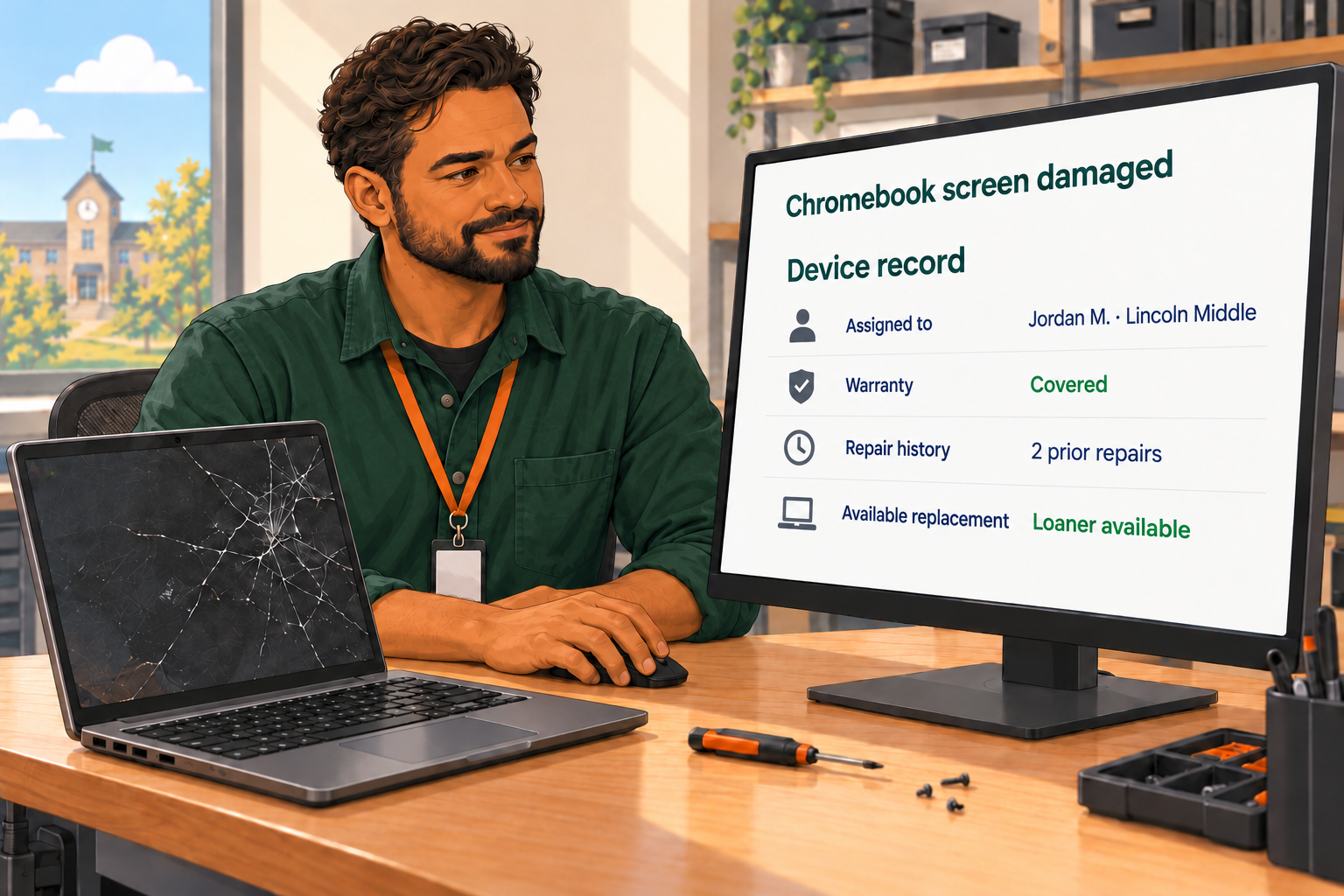
A teacher submits a ticket for a student Chromebook with a damaged screen.
Before your technician can decide what to do next, they need to answer a series of questions:
- Which device is assigned to the student?
- Has it been repaired before?
- Is it under warranty?
- Is a replacement available at the school?
The ticket is in your helpdesk. The assignment is in your asset management system. Warranty information might be in a vendor portal. And device activity is in Google Admin.
Your team knows where to look. But every request requires someone to gather the information, connect it to the right device, and decide what happens next.
For districts using general-purpose helpdesks like Zendesk, Freshservice, or HappyFox, the challenge is connecting those tools to the device records and workflows their schools depend on.
A device’s repair history could change the decision from repairing it again to replacing it. Warranty coverage helps determine where it goes for service. Assignment and location records tell the technician who needs a loaner and where to send it.
Connecting helpdesk and asset management information gives technicians the context to make an informed decision without reconstructing the device’s story each time.
How Disconnected Device Information Adds Work for District IT Teams
Looking up one warranty may take only a minute. The larger burden comes from repeating the process across requests and handing work between people.
A ticket without a device identifier requires a follow-up. An outdated assignment sends someone looking for equipment in the wrong classroom. A technician finds the relevant history but leaves it in another system, so the next person repeats the search.
Experienced staff learn the shortcuts. New team members learn which systems to check and whom to ask. The process works because people know how to navigate it.
That effort is part of the Hidden Work behind district operations. It takes time, even when the individual tools are doing their jobs well.
Disconnected records can also make broader questions difficult to answer:
- Which Chromebooks are generating repeated repairs?
- Which out-of-warranty devices should be prioritized for replacement?
- Where is available equipment that could meet another school’s needs?
The information may exist, but answering requires exports, spreadsheets, or someone who knows how to reconcile the records.
Imagine Requests Arriving With All the Context Your Team Needs
A teacher reporting a damaged Chromebook should be able to describe the problem in ordinary language. An AI agent can then gather the details needed for support and route the request to IT.
Some details may come from the person requesting help. Others may already be available in district records. The important question is what the technician can see when the request reaches their queue.
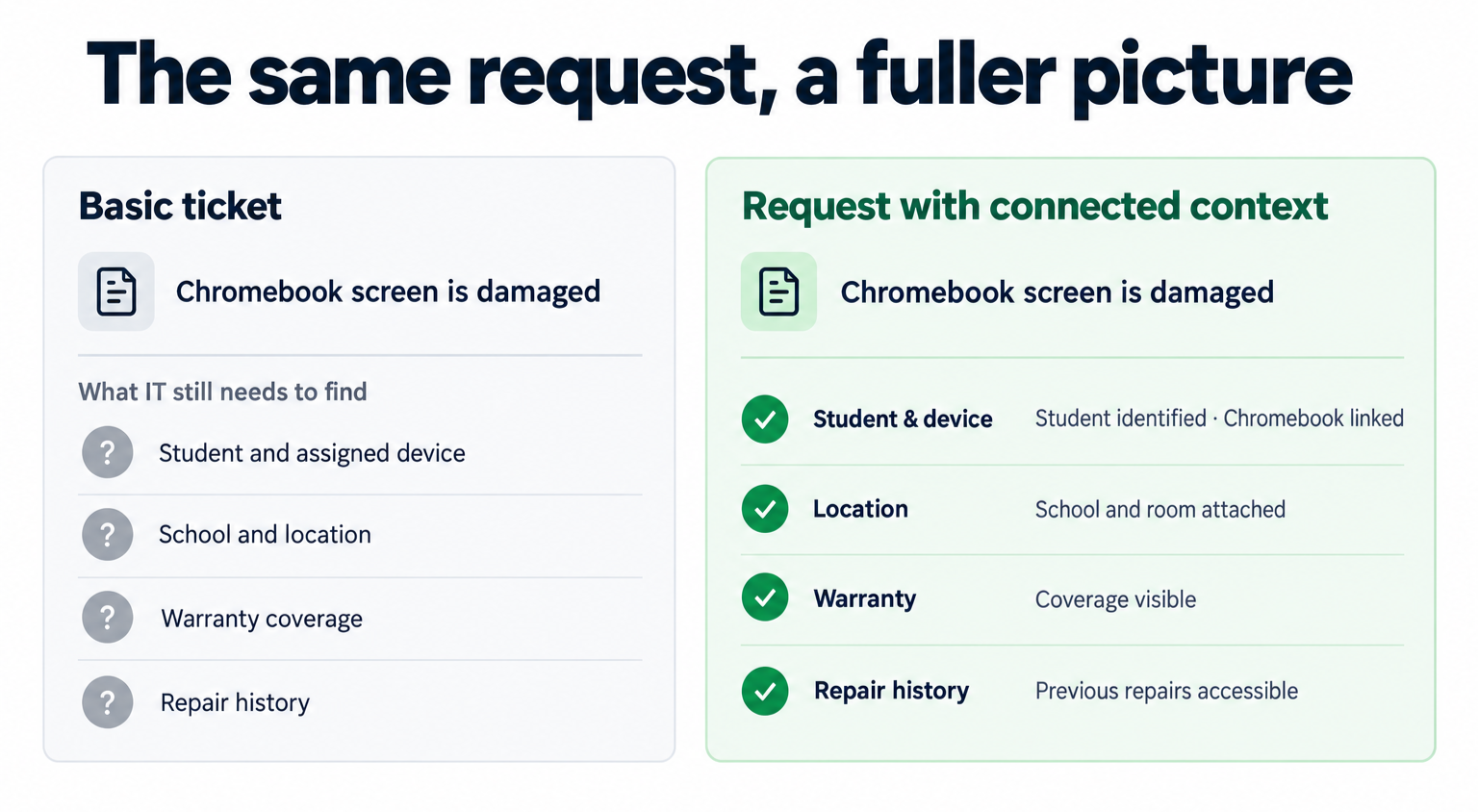
For the damaged Chromebook, useful context could include the student and device involved, the school, and what happened. Device assignment, warranty coverage, and repair history could further inform the decision when those records are connected and available.
The value is less back-and-forth and fewer lookups before someone can act. Teachers don’t need to understand how IT work gets done, and technicians don’t need to ask for information because it’s already been collected.
How to Assess Your District’s Integration Gaps
Choose a common request and follow it from arrival to resolution. A damaged Chromebook, missing laptop, or malfunctioning classroom device can provide a useful starting point.
Ask your team:
- What information do you need before you can act?
- How many systems do you open to find it?
- What do you copy, re-enter, or ask someone else to confirm?
- If another technician takes over, can they see what you already found?
The answers reveal where connections would make a practical difference. You may find that your current helpdesk serves the team well, while the work around it needs attention. Start with the gap that creates the most repeated effort.
How schoolOS Connects District Information to Reduce IT Work
The schoolOS platform brings district knowledge, support requests, and device information into a connected experience. From the moment someone asks for help, its tools work together to gather context, connect relevant records, and get the request to the team that can act. Your IT staff spend less time moving between systems and piecing together the story.
For a damaged Chromebook, that means connecting what the teacher reports through schoolAgent with the device assignment, warranty, repair history, and management information available through schoolAssets and supported integrations. The value comes from those capabilities working together: a technician receives the context needed to make an informed decision, with fewer follow-ups and separate lookups.
Districts can start with schoolAgent in front of their existing helpdesk and consolidate support and asset management onto schoolOS over time. Explore schoolOS integrations to see the supported connections for district knowledge, identity, rostering, and device management.
See how schoolOS brings device information together so your team can spend less time searching. Request a demo →

.png)