
What a teacher, a parent and a custodian run into on gwd50.org today when they need help, and what that same moment could look like. About 90 seconds.
Get the full list for gwd50.orgMade by the schoolOS team from your public website. The schoolAgent scenes are a concept view.
On gwd50.org it's Departments, then Technology, then Help Desk, then a link that leaves the site for a separate portal with its own sign in.
Maintenance requests go to a different system with a different login. Anyone who hasn't used it before has to register before they can ask.
The answer is on the site, inside a calendar PDF. So the parent downloads it and scans for the date, or calls the front office. Either way, someone on your team picks up.
schoolAgent answers from content already on gwd50.org, like your eLearning day policy, and sends everything else to the right team with the details attached. One place to ask. Your team keeps the work that needs them.
We walked a handful of everyday questions through gwd50.org the way a parent or staff member would. Everything comes from your public website. The schoolAgent scenes are a concept view of what it could look like.
That's what Olympia's technology team found when they looked at their own help desk tickets. Same kind of questions, landing in the same place.

For the Greenwood 50 technology team
We'll send you everything we found on gwd50.org, what the site answers and where people get stuck. Nothing needed from you.
Send me the list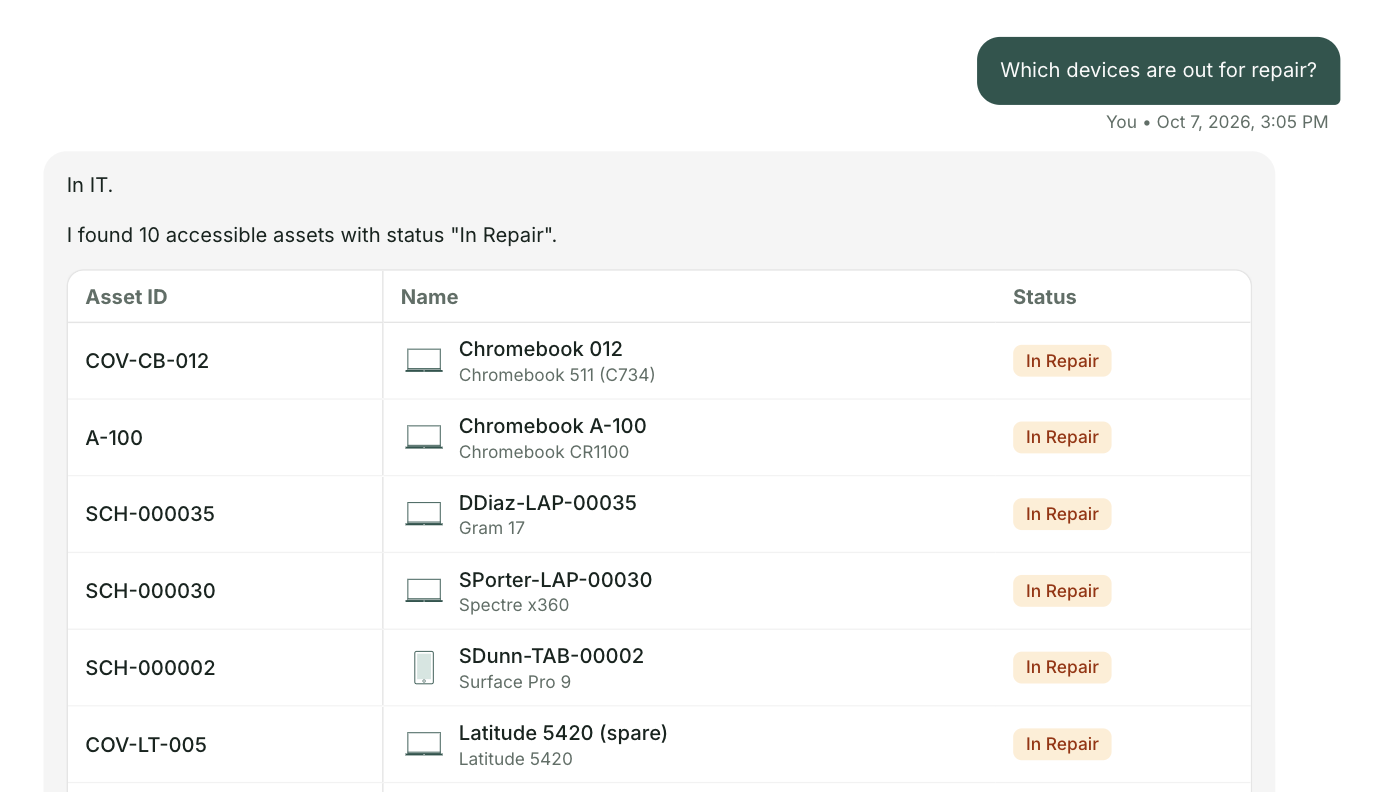

.png)